You shipped a prototype on a free database over the weekend. A few people tried it, one of them asked whether it could hold real customer records, and you went back to the dashboard on Monday to find the project paused, or the storage meter nearly full, or the first query of the morning taking nine seconds because the compute went to sleep.
That's the moment free tiers get judged, and it has almost nothing to do with the price.
The right free database depends on the lifecycle of the thing you're building. A weekend prototype that a dozen people poke at has different requirements from an internal tool that must answer requests at 7 a.m. on a Monday. The criteria that matter are the data model your records need, the specific limit your usage will hit first, how much operational work you're willing to own, and whether the option survives the jump from prototype to always-on.
If you're weighing shared versus isolated infrastructure for something you intend to keep running, Digital Souls Studios' SaaS architecture advice covers the same trade-off at the hosting layer.
Here are ten free database options, each judged by what breaks first.
Table of Contents
- 1. Supabase
- 2. Neon
- 3. Firebase
- 4. MongoDB Atlas
- 5. Turso
- 6. CockroachDB Cloud
- 7. Oracle Autonomous AI Database
- 8. PostgreSQL
- 9. MySQL Community Edition
- 10. SQLite
- How the 10 free database apps compare on free-tier limits, hosting model, and main trade-off
- Choosing Your Free Database Before the Limits Choose for You
1. Supabase
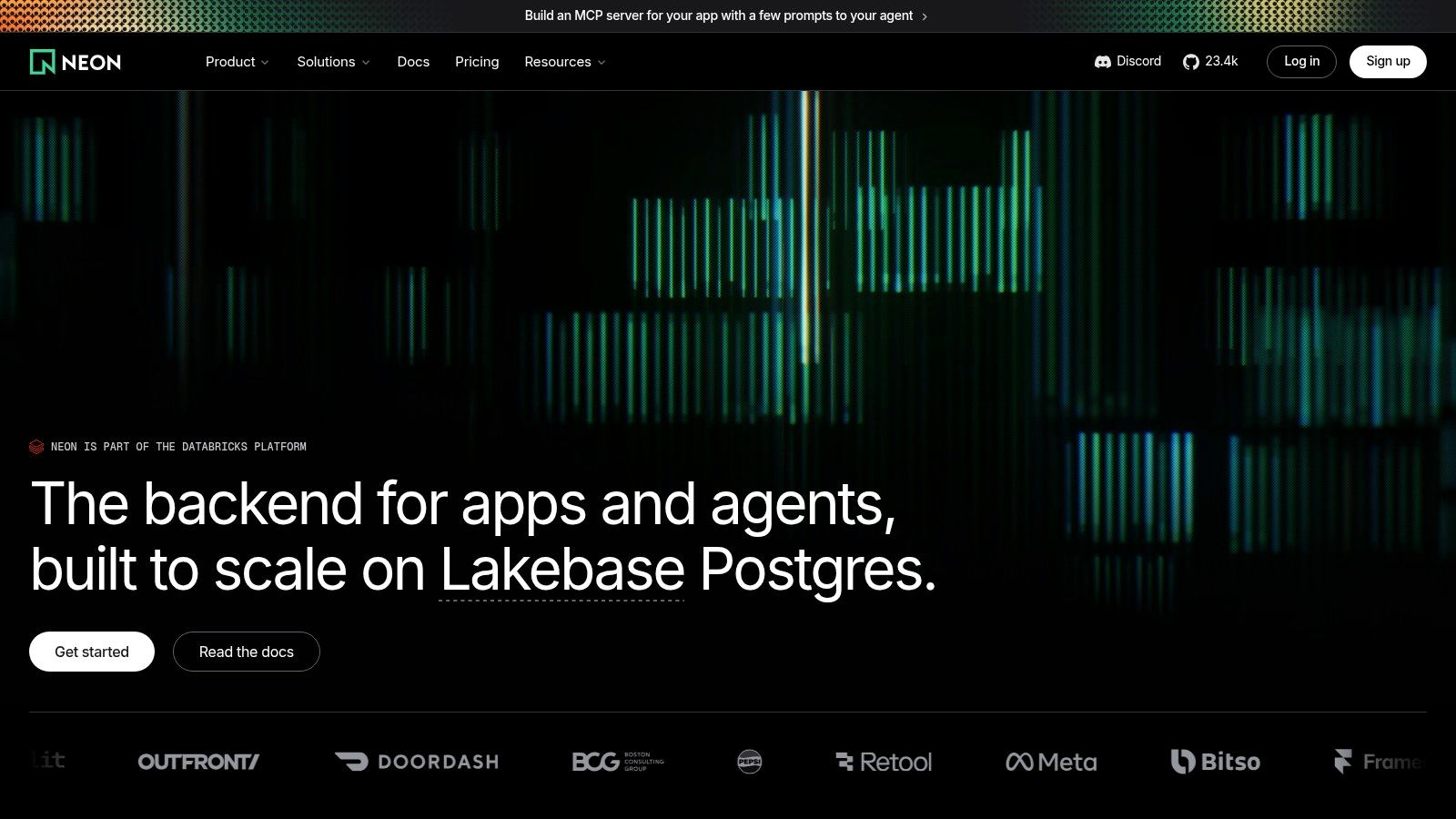
Supabase is the option most likely to get a full-stack prototype finished in a weekend. It is also the one that can surprise you on Monday morning. Free projects pause after a week of inactivity, so a demo you shared and then left alone comes back as connection errors until you restore it. That failure mode matters for portfolios, client demos, and internal prototypes that need to answer when someone opens a link days later.
The free tier includes up to 500 MB of database storage per project on managed Postgres, plus APIs generated from your tables, authentication, and file storage. That combination removes a lot of glue code. You define a table, you get a REST endpoint. You turn on auth, you get sessions.
The trade-off is capacity. Storage and usage limits do not suit an always-on production app, and anything beyond them means a paid plan. The first limit that usually bites is not raw database size. It is the moment a prototype starts behaving like a small product, with recurring logins, uploads, background jobs, and stable daily traffic.
The permission problem nobody reads about
Authentication is not authorization. Sign-in flows decide who a user is. Row-level security decides which rows that user can read, and it stays off until you write policies. On a public-facing prototype, an unprotected table is a data leak with a nice interface.
Practical rule: write and test row-level security policies for every table before you share a link with anyone outside your machine, and test them with a second account, not the owner account.
This matters when an app moves from sample records to personal or financial records. The 2025 Stack Overflow Developer Survey identifies privacy, pricing, and better alternatives as leading reasons developers abandon technologies. Strong free features can still make a poor home for data that needs careful access control.
If you are wiring up email confirmation, Mailbeam's Supabase integration tutorial walks through the flow. Pricing and limits are at Supabase.
2. Neon
Neon runs the same Postgres engine with a different failure mode. Compute scales to zero when the database sits idle, which suits a side project you touch twice a week. The first request after a quiet night pays the wake-up cost, and it lands on your users as a slow page load rather than on your invoice.
The free plan caps the number of projects, branches per project, and storage per project, with compute and network transfer metered on top, so check the current figures on the Neon pricing page against your workload before committing. Branching is the feature worth switching for. You can spin up a copy-on-write branch, rehearse a migration against the live schema, and throw the branch away once it passes.
Read about what serverless architecture means for app builders before assuming scale-to-zero is free in practice, because the cost shows up as latency on the first click of a session.
Where it breaks first
- Compute cap: a staging environment with steady traffic exhausts free compute long before it exhausts storage, because idle suspension never gets a chance to kick in.
- Transfer cap: pulling large result sets into a dashboard counts against network transfer, so a reporting page refreshed all day drains it faster than the app itself.
- Cold starts: cron jobs and webhooks arriving after idle periods pay the wake cost every single time, which turns a fast endpoint into a slow one at unpredictable hours.
Neon is a database service rather than an app-building platform, so authentication, file storage, and APIs are yours to add and wire up yourself.
3. Firebase
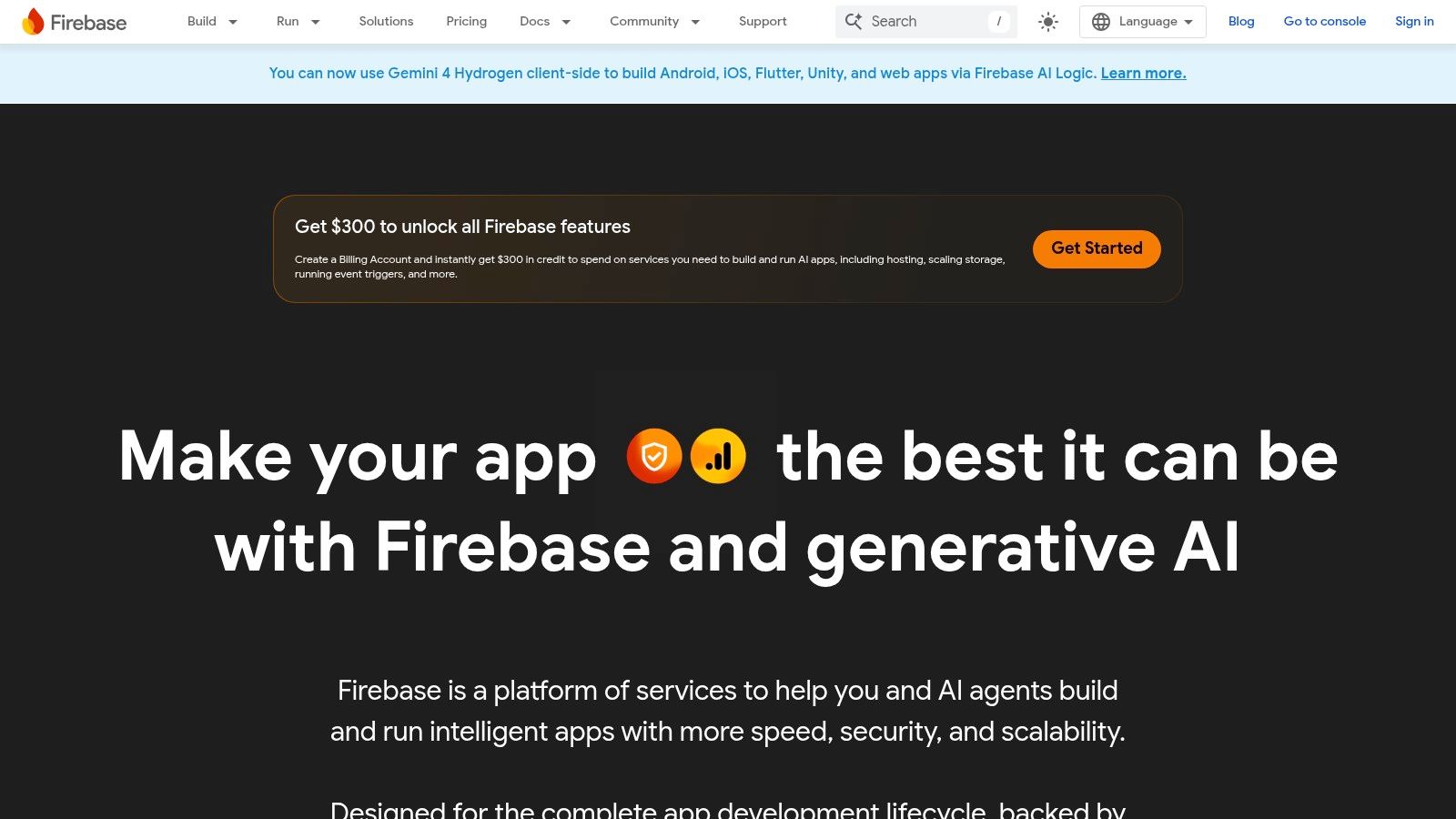
Firebase is the option I'd pick for a chat feature and the last one I'd pick for a reporting dashboard. Cloud Firestore and Realtime Database push changes to clients, handle presence, and keep working through flaky mobile connections, which is hard to build yourself.
Eligible services carry no-cost quotas on the Spark plan, and you can start without entering payment details. That's a real advantage over services that demand a card for a trial.
Two things break first. The data model is document-oriented, so anything needing joins across three collections becomes denormalized copies you keep in sync by hand. And some services require the pay-as-you-go Blaze plan, which means the moment you add a feature outside the Spark quota, you're entering billing details. Quotas and billing rules vary by product, so read them against your expected usage rather than the headline.
If your app's value depends on relationships between records, such as orders to line items to inventory counts, the document model will cost you more in application code than a relational table would.
Firebase also bundles authentication, analytics, and hosting, which is why prototypes land there and why the billing surface grows.
4. MongoDB Atlas
Atlas is the natural home for a team already writing MongoDB, and a reasonable learning environment for everyone else. The free tier includes 512 MB of storage on a shared cluster, enough for a tutorial, a portfolio project, or a small internal tool with modest records.
What breaks first is that 512 MB, and it breaks faster than people expect once images, logs, or event history enter the picture. Flexible documents are the selling point: nested fields, arrays, and evolving shapes without migrations.
The trade-off cuts both ways. A document model is less suitable than SQL for relational data, so if your queries join customers to invoices to payments, you'll write that join in application code and maintain it forever.
What to watch
- Storage: 512 MB fills quickly with embedded arrays and audit logs.
- Cluster tier: production capacity and features generally require a paid tier.
- Schema discipline: flexibility without discipline turns into inconsistent documents that break your code six months later.
Managed hosting means you don't administer servers, which is the whole reason to use it. Start at MongoDB Atlas.
5. Turso
Turso takes SQLite's file-based model and puts it behind a network service, which solves the one thing SQLite can't do alone: sharing a database across regions and devices.
The free plan lists up to 100 databases and 5 GB of storage, with read, write, and synchronization allowances inside published limits, and according to Turso it doesn't require a credit card. For a lightweight backend that reads far more than it writes, that's real headroom.
Where the limits land
The allowances are explicit, which is good, and they are still allowances. A write-heavy workload, an ingestion job, or a sync loop that retries on conflict consumes them faster than the storage meter suggests. Review plan details and extra-usage billing before deployment, not after the first surprise invoice.
The second constraint is conceptual. SQLite's model differs from a traditional PostgreSQL server, and features you assume are standard (concurrent writers, certain SQL constructs, extensions) may not behave the way you expect.
Turso fits when your data is small, read-heavy, and close to the user. It doesn't replace a Postgres server for a multi-tenant SaaS with heavy write concurrency.
Turso is a strong match for edge backends and mobile sync, and a poor match for analytics.
6. CockroachDB Cloud
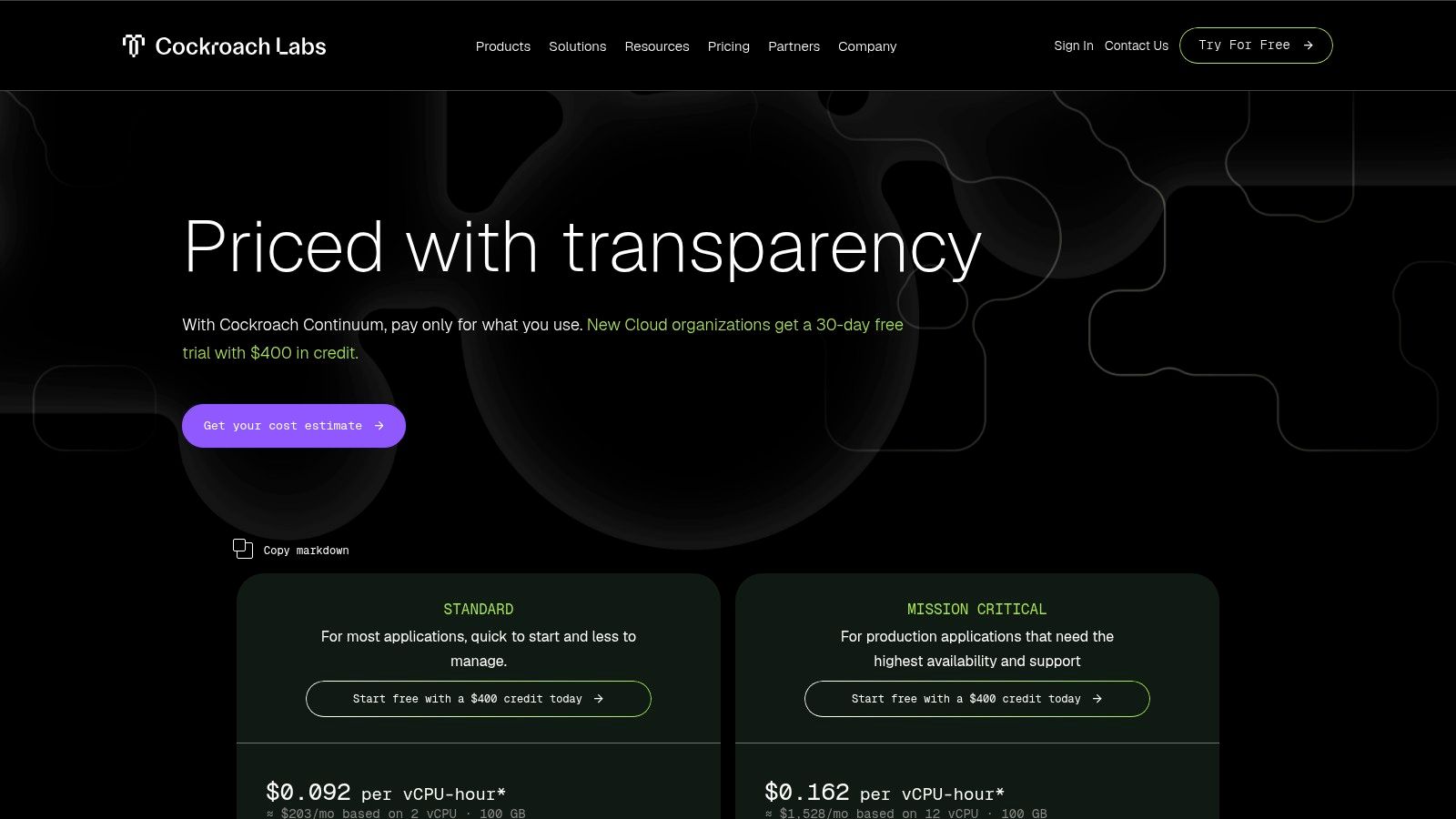
Most free database tiers are a single node with a quota. CockroachDB Cloud's Basic option is a distributed SQL database with a monthly allowance: 50 million request units and 10 GiB of storage free per month. That's an unusual offer, and it's the right one to evaluate if you're building something that needs to survive a region going down.
What breaks first is metering. Request units aren't rows or queries in the way you'd guess, and a query scanning a large table costs far more than one returning a single row. A dashboard refreshing every few seconds will teach you this within a week.
The second break is conceptual. Distributed database ideas such as ranges, locality, and contention add complexity compared with a single-node database. If you don't need multi-region, that complexity is cost with no benefit.
Plan availability and terms can vary by deployment and plan, so confirm current details when you sign up. Higher usage generally moves you to a paid tier, which is the point at which you should ask whether you needed distribution. See CockroachDB Cloud.
7. Oracle Autonomous AI Database
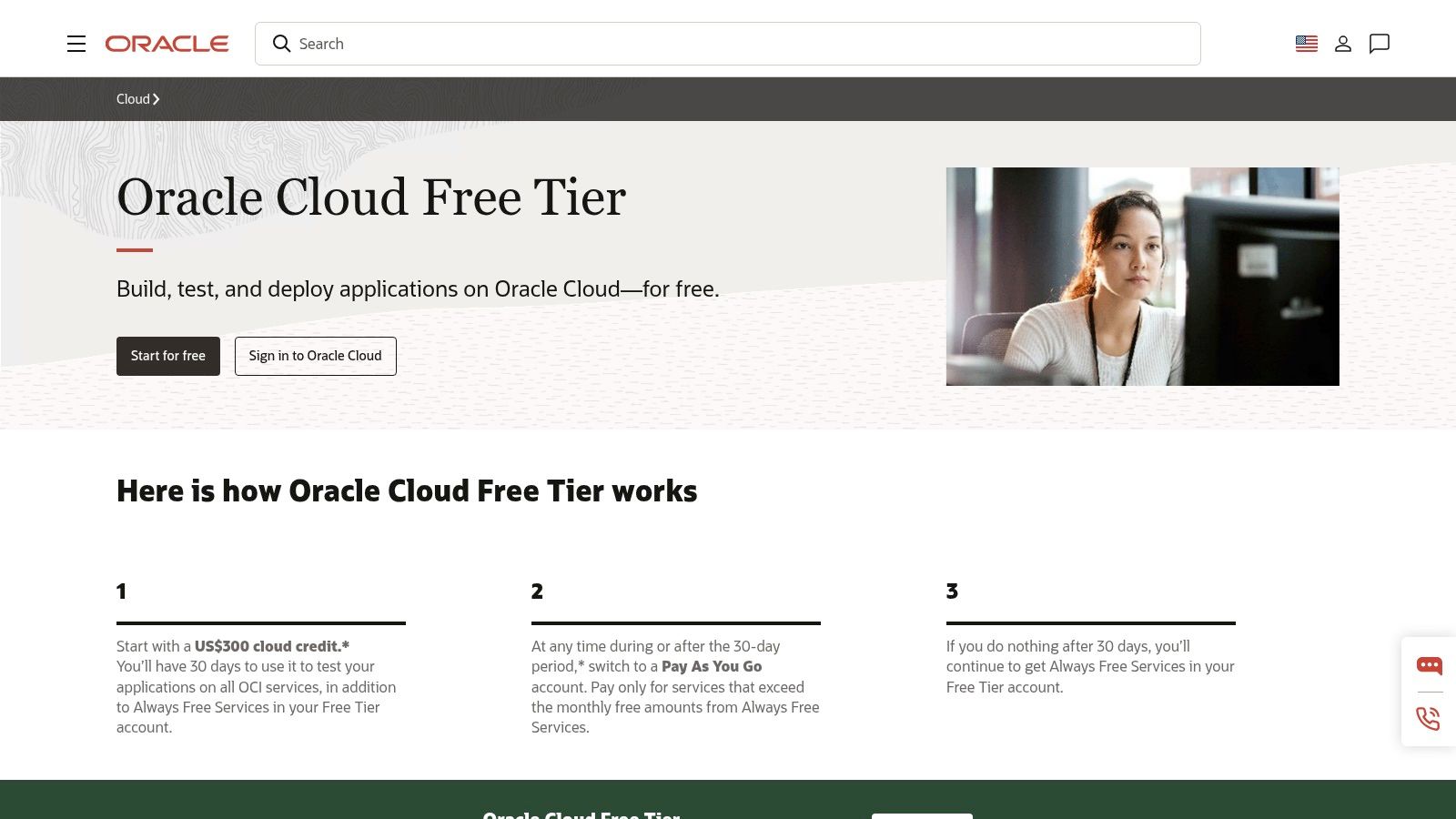
Oracle's Always Free tier is the most misread option on this list. It isn't a 30-day trial. It includes Autonomous Database options that persist, subject to service limits and regional availability, plus a NoSQL database option with published limits.
If you want to learn Oracle's ecosystem or build with Oracle APEX low-code tools, this is the cheapest legitimate route, and APEX is capable for database-backed internal applications.
What breaks first is friction. Cloud setup and administration feel heavier than developer-first services: compartments, policies, networking, and a console built for DBAs. Free-tier resources are limited, free-tier users may not qualify for standard Oracle support, and service availability varies by region.
If your team has never touched Oracle, budget a day for setup before you have a working connection string. If your team already runs Oracle, this is the obvious sandbox.
The Always Free services are distinct from a short-term trial, which is why they're worth knowing about even if you never ship on them. Start at Oracle Cloud Free.
8. PostgreSQL
PostgreSQL isn't a free tier in the SaaS sense. It's free software you install, and the bill arrives as your time.
You get a relational database with full SQL, packages for Linux, macOS, and Windows, and an ecosystem of extensions and drivers covering every language. You also get responsibility for backups, updates, security patches, and the disk filling up at 2 a.m.
Where self-hosting breaks first
Not performance. Operations. The first thing that fails in a self-hosted Postgres is usually the backup nobody tested, followed by the minor version upgrade nobody scheduled. A local install for development is trivial. A production install is a job with on-call attached.
The prototype-to-production jump is where this bites. A side project running in a Docker container on your laptop feels free until the day it has real users and no tested restore procedure. Teams building a Python application against Postgres can work through the connection and deployment side in this guide to building a Python web application, then handle the database host itself with the checklist below.
- Automate backups and restore one into a scratch database to prove the backup works. An untested backup is a hope, not a backup.
- Set a patching cadence and keep it, including minor releases, since security fixes ship in those.
- Alert on disk early, long before the volume fills, because a full disk can corrupt a write-heavy database mid-transaction.
No database software subscription is required, and you control where data lives and how the server is configured. That control is the reason to choose it, and the reason it isn't turnkey. If you want Postgres without the operations work, the hosted options earlier in this list are the trade: less control, no 2 a.m. disk alerts. Download at PostgreSQL.
9. MySQL Community Edition
For a web app that needs a relational SQL database, MySQL Community Edition provides a free, GPL-licensed download with several storage-engine options and connectors for most languages. MySQL Workbench handles visual modeling and administration. You still need somewhere to run the database.
Its history shows how broad adoption can coexist with a small commercial footprint. Created in Sweden in 1995, with its first release that May, MySQL had approximately 320 employees operating across 25 countries by 2006, according to MySQL's own archival account.
That history supports taking free database software seriously; it does not make the download a managed service.
For a prototype moving into production, the first constraint is operational responsibility. Community Edition is separate from paid Enterprise Edition and support, so choosing the free download leaves setup, maintenance, and backups with you. Workbench helps you model and administer the database, but it does not take over those responsibilities.
Choose MySQL Community Edition when you want MySQL and can own its operation. If your build requires a hosted backend rather than database software, the free download alone does not meet that requirement.
10. SQLite
SQLite is the right answer for more projects on this list than any other option, and the wrong answer for a specific, predictable set of them.
It stores a database in a single file, needs no server process, and is public domain. For a desktop app, a mobile app, a test suite, or a prototype, there's nothing to provision and nothing to pay.
The scale is hard to overstate. The SQLite project describes it as the most widely deployed database engine globally, with billions of copies in the wild and a deployment estimate that includes more than 4.0 billion smartphones in active use, while cautioning that exact global counts are estimates rather than a census (SQLite project).
Developers clearly like it. In the 2024 Stack Overflow Developer Survey, 33.1% of all respondents and 32.1% of professional developers reported extensive SQLite use in the previous year, and its desirability rose from 23% to 27%.
Where it breaks first
Concurrency and multi-user access. SQLite handles one writer at a time, so an app with many simultaneous writers, or one that needs several servers behind a load balancer, hits the wall. Migration, backup, locking, and multi-user requirements deserve a decision before you make it the primary store for a heavily concurrent cloud service.
A small inventory app built on SQLite and deployed for real is a useful reference for how far it stretches: this free full-stack inventory app case study walks through one. Start at SQLite.
How the 10 free database apps compare on free-tier limits, hosting model, and main trade-off
| Item | Free Tier Limit | Hosting Model | Best For | Main Trade-Off |
|---|---|---|---|---|
| Supabase | Up to 500 MB database storage per project | Managed PostgreSQL platform | Prototypes needing a database, APIs, authentication, and storage | Free projects may pause after inactivity; usage is limited |
| Neon | Up to 100 projects, 10 branches per project, and 1 GB storage per project; compute and transfer limits apply | Serverless managed PostgreSQL | Small projects and isolated development or test environments | Compute and transfer are capped; idle databases may take time to wake |
| Firebase | Free quotas for eligible Spark plan services; limits vary by product | Managed application-development platform | Web and mobile apps needing real-time, offline-oriented data | Document-based model; some services require a paid plan |
| MongoDB Atlas | 512 MB storage | Managed cloud database | Learning MongoDB and small projects with flexible document data | Small free tier; production capacity may require a paid plan |
| Turso | Up to 100 databases and 5 GB storage; usage allowances apply | Managed, distributed SQLite-compatible service | Lightweight backends and SQLite-based projects | Usage is limited, and its capabilities differ from PostgreSQL |
| CockroachDB Cloud | 50 million request units and 10 GiB storage free per month | Managed distributed SQL database | Evaluating distributed SQL or supporting smaller workloads | Distributed architecture adds complexity; higher usage may require payment |
| Oracle Autonomous AI Database | Always Free database options, subject to limits and regional availability | Managed Oracle Cloud database | Learning Oracle tools or building database-backed apps with APEX | Setup can be complex; resources and regional availability are limited |
| PostgreSQL | No software fee or built-in quota | Self-hosted or locally installed database | SQL development and deployments where users want control | Users manage infrastructure, backups, updates, and security |
| MySQL Community Edition | No software fee or built-in quota | Self-hosted or locally installed database | MySQL development, learning, and existing applications | Users manage hosting and maintenance; enterprise support is separate |
| SQLite | No software fee or built-in quota | Embedded, file-based database | Desktop and mobile apps, prototypes, and local development | Not hosted; server-style multi-user needs may require another database |
Choosing Your Free Database Before the Limits Choose for You
Start with the data model, not the pricing page. If your records are relational (users, orders, line items, permissions), pick a SQL engine and stay there: Supabase or Neon for hosted Postgres, PostgreSQL or MySQL if you'll run it yourself, CockroachDB Cloud if you need distribution. If your records are documents or event streams, Firestore or Atlas will cost you less application code. If the database lives inside the app, SQLite and Turso cover that ground.
Then find the limit you'd hit first, and be specific about it. Write down expected rows, storage growth per month, peak concurrent writers, and whether the app must answer requests after hours of silence. Match that against the free tier: inactivity pausing, storage caps, compute wake times, request-unit metering, or network transfer.
That exercise beats a feature comparison, because database choices now fragment across relational, embedded, and hosted environments. The 2025 Stack Overflow Developer Survey reports PostgreSQL at 55.6% usage and SQLite at 36.9%, with several cloud databases at much smaller shares, so portability between those worlds is a real concern rather than a theoretical one.
The exit questions to answer before you commit
- Can you self-host it? If not, you're renting access, not holding data.
- Are automated backups included, and have you restored one? A backup you haven't restored is a hope.
- Can you export in a standard format? Dump to SQL or JSON on a schedule you control.
- What happens after inactivity, quota exhaustion, or a provider shutdown? Write the answer down now.
- What does migration require? Rewriting auth, permissions, and API logic is the expensive part, not moving rows.
The cheapest option can carry the highest long-term cost when the exit requires rewriting application logic. Record expected usage, review the provider's current terms before deployment, and recheck them quarterly, because free allowances change without much notice.
If you want a hosted Postgres backend wired into a development workspace, AppJet's Free plan can connect Supabase and deploy to Cloudflare without a credit card. Supabase's own service limits and billing stay separate and should be checked directly.
For a cautionary example of what happens when a tool gets stretched past its data model, devPulse's breakdown of SharePoint as a database is worth ten minutes.
AppJet is an AI-assisted development platform where you can build, debug, and deploy a full-stack app in one workspace, connect Supabase for your database, and publish to Cloudflare's global edge. If you'd rather spend the weekend on your product than on provisioning a database and wiring a connection string, the Free plan requires no credit card and has no trial expiry. Visit AppJet to build and deploy your first app.