You've finished a tutorial, opened a blank editor, and discovered that knowing what a function does isn't the same as knowing what to build next. A task manager sounds manageable until you add team accounts, reminders, and calendar syncing. A button that changes color is finishable, but it doesn't give you much to explain afterward.
Start with a project you can finish. These beginner coding projects form a loose ladder, moving from form state and responsive layouts to database writes, external APIs, and public user-generated content. Keep the first version small enough for a short build session, and treat deployment as part of finishing, not a reward for polishing.
Hands-on work matters to learners: 76% of respondents to JetBrains' 2024 Computer Science Learning Curve Survey identified projects as the most important aspect of educational courses. But completing an app is only useful if you understand its moving parts.
For anyone becoming a self-taught programmer, the better question is what you want to be able to do next.
- Choose the skill: State handling, database queries, API requests, or moderation.
- Build the smallest version: Make the main workflow work before adding extras.
- Prove you understand it: Explain the data model and deliberately test a failure case.
Table of Contents
- 1. Interactive To-Do List App
- 2. Personal Portfolio Website
- 3. Tic-Tac-Toe Game
- 4. Expense Tracker
- 5. Quiz Application
- 6. Weather Dashboard
- 7. URL Shortener
- 8. Habit Tracker
- 9. Markdown Notes App
- 10. Guestbook Web App
- Beginner coding projects compared by skill taught, scope, and common failure point
- Ship One Project This Week, Then Let It Grow
1. Interactive To-Do List App
A to-do list proves you can turn user actions into create, read, update, and delete operations, usually called CRUD. Build a personal study planner where someone adds a task, edits its title, marks it complete, and deletes it.
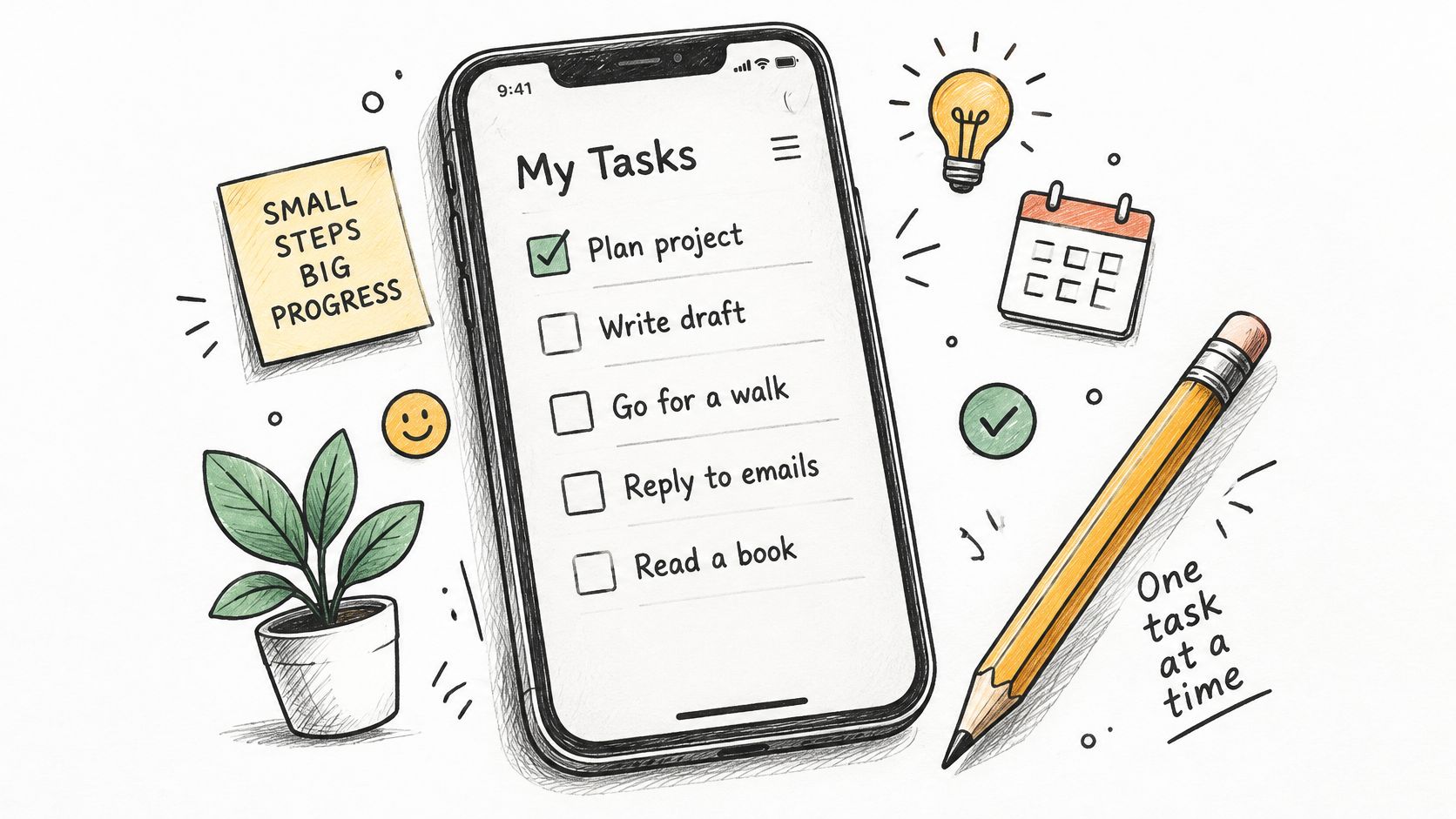
Use JavaScript with plain HTML or React. Keep the initial tasks in local state so you can debug the interface without also debugging a database connection.
Make Each Task Independently Addressable
Your tasks model needs id, title, completed, and created_at. Give every task a stable identifier, and update records by that identifier rather than by their position in the displayed list.
The mistake that breaks it: using array positions as identities. Delete a task or sort the list, and an edit can affect the wrong entry. Also trim titles before saving so whitespace doesn't become a valid task.
When you connect Supabase, wait for successful writes before reporting success. If a request fails, retain the typed title and show an actionable error.
- Portfolio extension: Add persistence, then authenticated ownership with an
owner_idfield and row-level security policies. - Acceptance test: Create a task, refresh, edit it, and confirm the change survives another refresh.
- Next step: Implement the complete local CRUD flow before connecting Supabase.
2. Personal Portfolio Website
Choose a portfolio if you want to prove semantic HTML, responsive CSS, and deployment rather than database skills. A useful first version presents your introduction, a project, and a contact method without requiring visitors to create an account.
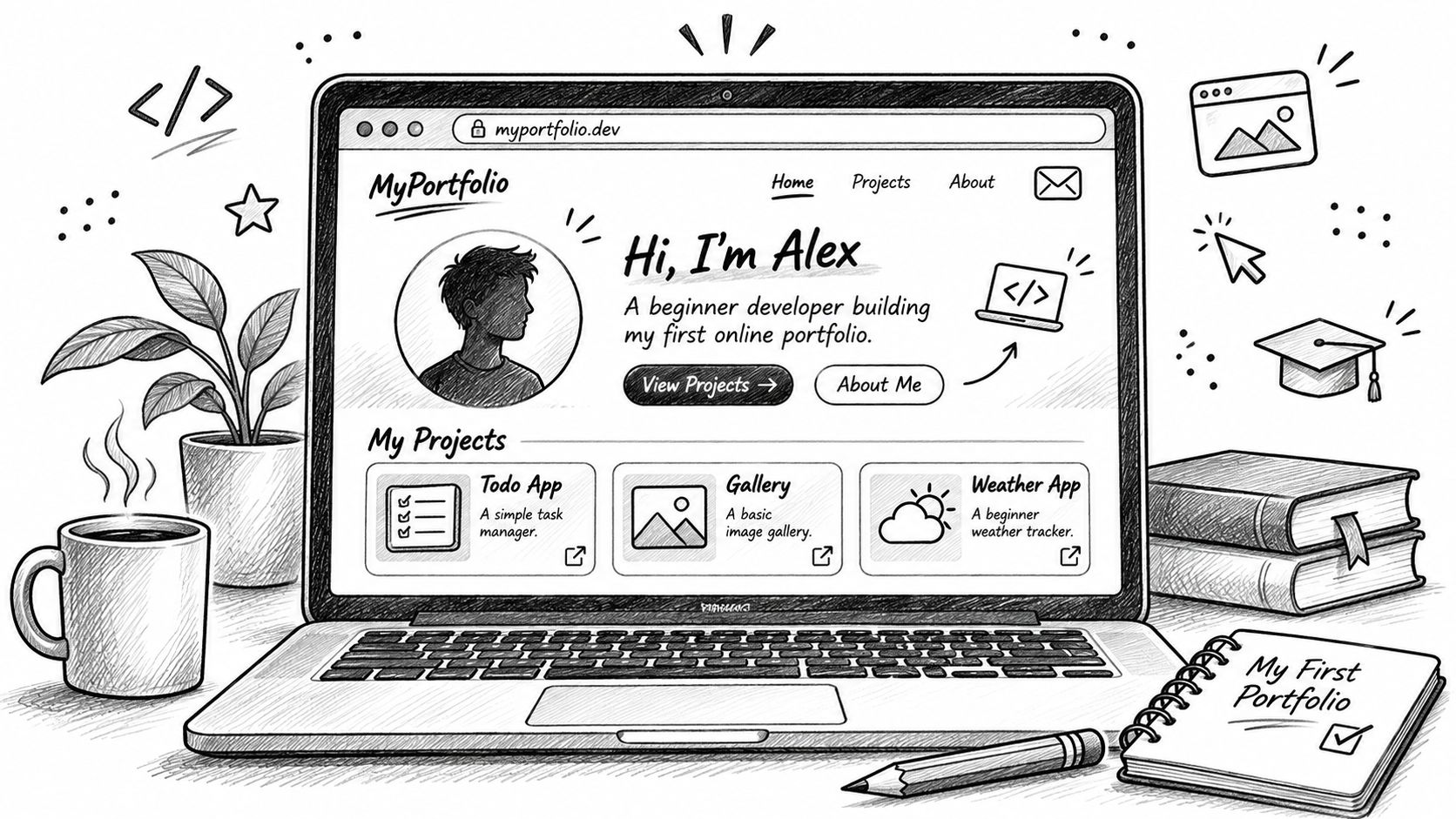
Treat content as data even without a database. A projects array can contain slug, title, summary, skills, repository_url, live_url, and image_alt. Render consistent project cards from those fields instead of copying slightly different markup.
Design Around Content, Not a Screenshot
Build with HTML and CSS, using Grid for project cards and Flexbox for navigation. Start with the narrow layout, then expand it when the content needs more room.
The mistake that breaks it: fixed-width containers and oversized images that force horizontal scrolling. Test long project titles, keyboard navigation, visible focus styles, and missing images before adding animation.
If you're comparing vibe coding apps, judge their output by whether you can understand and edit the generated layout. A polished preview isn't a substitute for maintainable markup.
- Portfolio extension: Add a project case study explaining a constraint, a design decision, and a bug you fixed.
- Next step: Publish the plain page on GitHub Pages or Cloudflare Pages, then test its live navigation on your phone.
3. Tic-Tac-Toe Game
A player clicks an occupied square, the turn changes anyway, and the game is suddenly impossible to trust. That's the lesson in tic-tac-toe: valid state transitions matter more than drawing the board.

Represent the board as an array containing empty values or player marks. Keep current_player, winner, and status alongside it, and define the winning lines separately from the rendering code.
For a local game between friends, you don't need accounts, networking, or a database. You need predictable rules.
Practical rule: Reject an invalid move before changing any game state.
Keep Rules Outside the Interface
Write a pure getWinner(board) function and a separate move handler. The handler checks that play is still active and the selected square is empty, updates the board, and then evaluates the result.
The mistake that breaks it: allowing clicks after a win or checking for a draw before checking for a winner. Reset must also clear the result, not just erase the visible marks.
Test horizontal, vertical, and diagonal wins, an occupied-square click, and a completed draw. These tests make a stronger demonstration than decorative animations.
Portfolio extension: Add a computer opponent behind the same move-validation function. Next step: Implement and test winner detection before styling the board.
4. Expense Tracker
An expense tracker proves you can validate inputs, model relationships, and aggregate records. Build it around a concrete use case: recording personal purchases and reviewing spending by category.
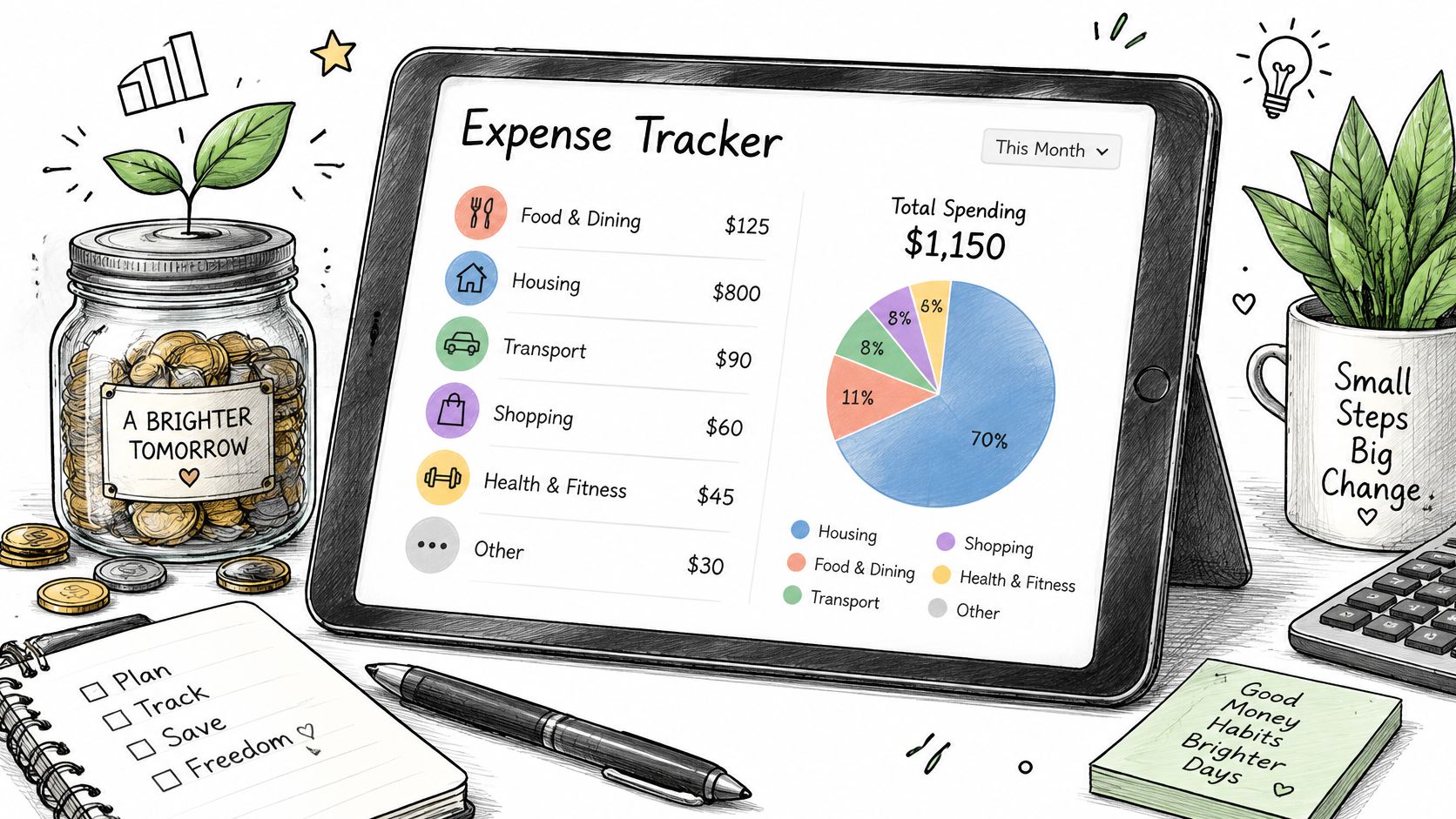
Use a transactions table with id, owner_id, amount_minor, currency, type, category_id, occurred_on, and description. Store categories separately with id and name, then connect them through a foreign key.
Make Money and Dates Explicit
For a currency with cents, store amounts as integer cents rather than floating-point values. Parse the form's decimal text carefully, reject unsupported precision, and format the stored amount for display.
The mistake that breaks it: treating every amount as an ordinary JavaScript decimal and every date as a timestamp. A purchase date is usually a calendar date; converting it through time zones can move it into another reporting period.
Keep the prototype to a single currency. Adding amounts from different currencies without conversion produces a misleading total.
- Useful query: Filter by owner and reporting period, then group expenses by category.
- Portfolio extension: Add a category chart backed by the same filtered query as the transaction list.
- Privacy boundary: Use invented transactions in the public demo, and protect real records with ownership policies.
- Next step: Save a transaction and verify that editing its amount updates the displayed total.
5. Quiz Application
A quiz about JavaScript loops is a useful test of data-driven interfaces and controlled application flow. The content changes, but the engine should still handle answering, feedback, progression, and results.
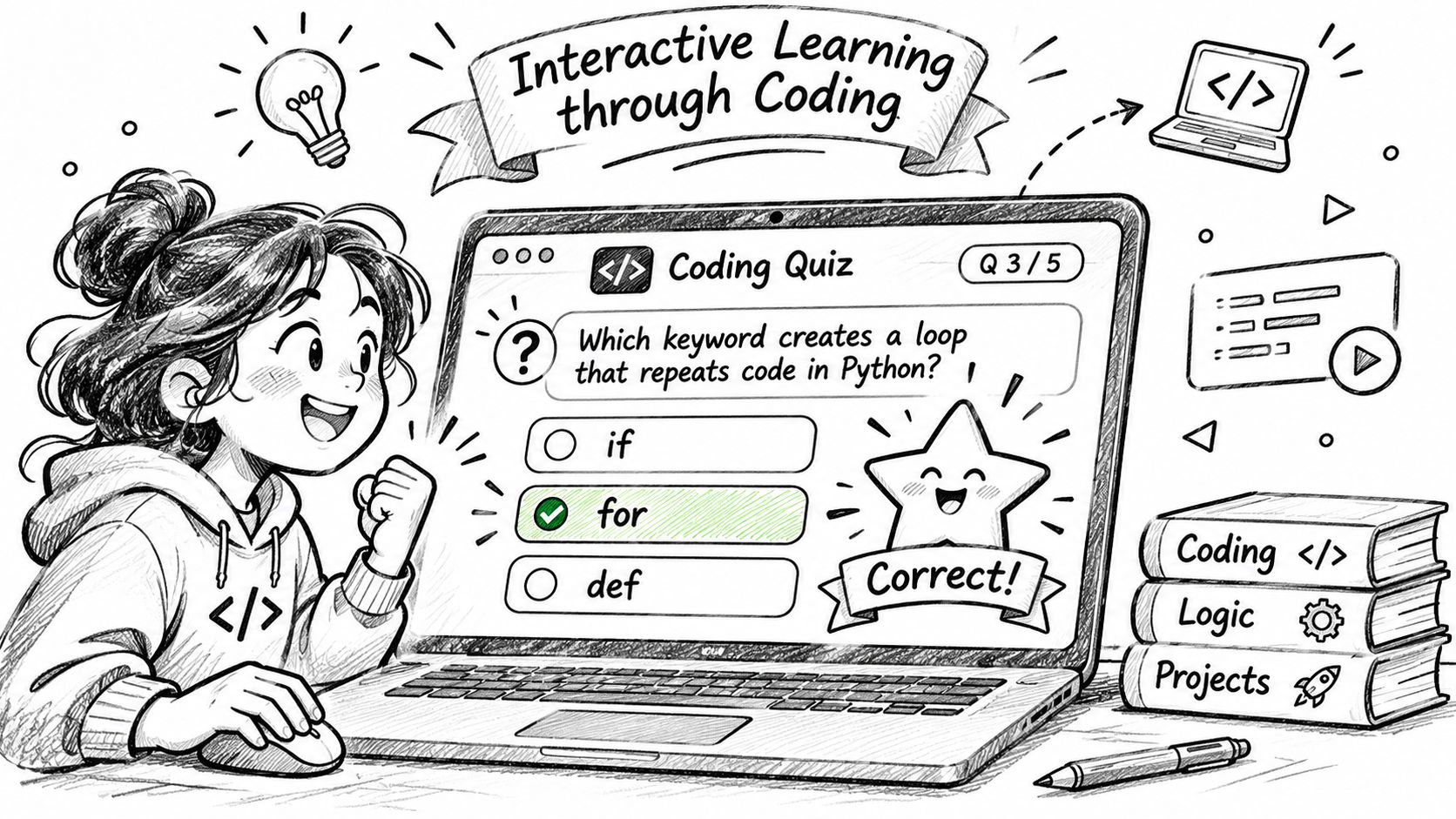
Keep questions in a separate JSON or JavaScript file. Each question needs id, prompt, options, correct_option_id, and explanation; each option needs its own stable id and display text.
Preserve Identity When Shuffling
Store question_id and selected_option_id for each answer. Derive the score from those answers rather than incrementing a counter whenever someone presses Submit.
The mistake that breaks it: storing the correct answer as an array position, then shuffling the options. The visible answer moves, but the recorded position doesn't.
Disable submission after an answer is accepted, and make restart clear the entire attempt. Show explanations on the result screen so the app teaches something beyond whether the user passed.
- Portfolio extension: Add topic-level results that distinguish, for example, loop questions from function questions.
- Trust boundary: A public leaderboard needs server-side answer validation. A score submitted directly by the browser is editable by the visitor.
- Next step: Build an untimed quiz from local questions and verify that repeated clicks can't award extra credit.
6. Weather Dashboard
Build a weather dashboard when you want to prove you can consume an external API without assuming every request succeeds. A useful version lets someone search for a city, confirm the location, and read current conditions.
This walkthrough can accompany the implementation:
Use a geocoding response to select coordinates before requesting weather from a provider such as OpenWeatherMap. Normalize the result into location_name, latitude, longitude, temperature, units, condition, observed_at, and fetched_at.
Treat Failure as an Interface State
Track idle, loading, success, and error explicitly. Distinguish an unknown location from a network failure, and keep the search field usable when a request fails.
The mistake that breaks it: letting an older request overwrite a newer search. Cancel superseded requests with AbortController or compare request identifiers before updating the screen.
Keep secret API credentials on the server. An environment variable bundled into browser JavaScript is still visible to visitors.
- Cache deliberately: Include coordinates and units in the cache key, store a fetch timestamp, and label cached results when offline.
- Portfolio extension: Add saved locations with a clearly displayed update time.
- Next step: Fetch weather for a fixed location and handle an intentionally failed request before adding search.
7. URL Shortener
A URL shortener looks tiny, but it proves server routing, database constraints, and redirect handling. Build a private tool for shortening links to your own project demos before considering anonymous submissions.
Use a links table containing id, code, destination_url, created_at, and disabled_at. Put a unique constraint on code, and generate it with a cryptographically secure random generator.
Let the Database Enforce Uniqueness
Checking whether a code exists before inserting isn't sufficient. Concurrent requests can both pass that check, so handle a uniqueness failure by generating a fresh code and retrying.
The mistake that breaks it: treating anything that resembles a web address as safe input. Parse submissions with the platform's URL parser and permit only the http: and https: protocols.
A working redirect isn't permission to operate an anonymous public redirect service. Keep link creation private until you can handle abuse.
The redirect endpoint should look up the code, reject disabled or missing records, and return a temporary redirect while destinations remain editable. Don't fetch destination pages from your server just to validate them; that introduces additional security concerns.
- Portfolio extension: Add click analytics in a separate
click_eventstable withlink_idandclicked_at, avoiding unnecessary visitor identifiers. - Next step: Create a link through a protected form and test valid, missing, malformed, and disabled destinations.
8. Habit Tracker
A daily reading tracker proves calendar logic and recurring-record design. Unlike a to-do list, it must distinguish a habit's definition from the dates on which someone completed it.
Create habits with id, owner_id, name, timezone, and created_at. Create habit_completions with habit_id and completed_on, and enforce uniqueness across that pair.
Store History, Then Calculate Streaks
Use calendar-date strings such as YYYY-MM-DD for completion dates, interpreted in the habit's chosen time zone. A formatted date alone doesn't solve time-zone handling; you must decide which local calendar determines today.
The mistake that breaks it: storing only a streak counter. Remove an accidental completion or enter yesterday's activity, and that counter can become inconsistent with the actual history.
Calculate streaks from completion records. Decide whether an unfinished current day leaves yesterday's streak active, and make that rule visible.
A calendar grid is more informative than a celebratory number because users can inspect the underlying pattern. When comparing ideas for apps, look for similarly small features that expose meaningful logic.
- Portfolio extension: Add a calendar heatmap backed directly by completion records.
- Edge cases: Test duplicate clicks, undoing completion, and crossing a month boundary.
- Next step: Implement mark and unmark for a selected date before writing any streak calculation.
9. Markdown Notes App
Type a project log on the left, preview it on the right, and reopen it after refreshing. A Markdown notes app proves text processing, persistence, and synchronization between interface states.
Model notes with id, owner_id, title, body_markdown, created_at, and updated_at. Keep the title separate from the body so listing notes doesn't require parsing their contents.
Use a maintained parser such as markdown-it or marked instead of building Markdown parsing yourself. Treat rendered output as untrusted, disabling raw HTML where appropriate and sanitizing HTML with a tool such as DOMPurify.
Make Saving Visible
Show whether a note is modified, saving, saved, or failed. Debounce autosaves, but also handle navigation so the final edit isn't discarded.
The mistake that breaks it: allowing an older save response to replace newer content. Serialize saves or use version checks so stale writes can't overwrite the latest revision.
- Practical boundary: Keep editing to a single browser tab initially; multi-device conflict resolution is a separate feature.
- Portfolio extension: Add Markdown export so users can leave with portable files.
- Next step: Save and reopen a plain-text note before adding the live preview.
Don't test only happy-path typing. Disconnect the network, change notes while a save is pending, and paste HTML into the editor. Those cases reveal whether you understand the app beyond its appearance.
10. Guestbook Web App
Public submissions change the problem. A guestbook proves you can accept user-generated content while controlling what becomes visible.
For a personal-site guestbook, create entries with id, display_name, message, created_at, and moderation_status. Default submissions to pending, and make the public query return approved entries in reverse chronological order.
Separate Submission From Publication
Validate length and required fields on the server, not only in the browser. Render messages as text using framework escaping or textContent, rather than interpolating them into raw HTML.
The mistake that breaks it: giving anonymous visitors broad database write permissions. Visitors shouldn't be able to approve messages, modify existing entries, or choose their own publication status.
Add server-side rate limiting and a honeypot field to reduce basic spam. Neither replaces moderation, and hiding an admin button doesn't protect the endpoint behind it.
If you prefer a Python backend, a Python web application can implement the same submission, review, and publication boundaries.
- Portfolio extension: Add an authenticated moderation screen that approves or hides entries without deleting their history.
- Acceptance test: Submit HTML, an empty message, an oversized message, and repeated requests; verify that pending content remains private.
- Next step: Build a server endpoint that accepts a message but never publishes it automatically.
Beginner coding projects compared by skill taught, scope, and common failure point
| Project | Core Skill Taught | Key Feature | Main Pitfall | AppJet Fit |
|---|---|---|---|---|
| Interactive To-Do List App | CRUD logic and state handling | Add, edit, complete, and delete tasks | Local-only data can be lost on refresh | Good first project for AI-assisted features and Supabase |
| Personal Portfolio Website | HTML, CSS, responsive design, and deployment | Project gallery with responsive layout | Design polish can take longer than coding | Publish to Cloudflare; custom domains are available on the Starter plan |
| Tic-Tac-Toe Game | Event handling, arrays, and conditional logic | Turn tracking and win detection | Win-check logic can be error-prone | Short project for testing plain-language feature requests |
| Expense Tracker | Forms, validation, aggregation, and database queries | Monthly totals and spending charts | Currency, dates, and financial data require care | Private projects on the Free plan help keep financial data private |
| Quiz Application | Data modeling, conditional logic, and state management | Score tracking with immediate answer feedback | Leaderboards add security complexity | Try AI-assisted generation of question sets |
| Weather Dashboard | External APIs, asynchronous requests, and JSON parsing | City search with current conditions and forecasts | Keep API keys out of public code | Teaches secret-management habits before Cloudflare publishing |
| URL Shortener | Code generation, database lookups, and redirects | Short links that redirect to original URLs | Validate links and handle code collisions | Tests Supabase connectivity and Cloudflare deployment |
| Habit Tracker | Date handling, recurring data, and visualization | Daily check-offs with streak tracking | Streaks involve time-zone edge cases | Suitable for a private personal tool deployed without subscription fees |
| Markdown Notes App | Text parsing, data binding, and saving content | Split editor and live preview | Search and sync features increase complexity | Shows AI-assisted editing in a GitHub-connected repository |
| Guestbook Web App | Form handling, database reads and writes, and sanitization | Visitor messages displayed newest first | Public forms can attract spam and need moderation | Tests Supabase reads and writes before Cloudflare publishing |
Ship One Project This Week, Then Let It Grow
Pick the project that feels slightly intimidating but still fits your available time. Build the smallest version that works, publish it, and resist adding another feature until you've tested the deployed workflow. A live application makes you deal with environment variables, database permissions, failed requests, and browser behavior outside your development setup.
Then extend it exactly once. Add persistence to the to-do list, a category chart to the expense tracker, or moderation to the guestbook. A useful portfolio piece demonstrates a decision you can explain, not just a screen you can display.
Prove You Can Maintain What You Built
AI assistance can help you move forward, but accepting generated code isn't the same as understanding it. A study of introductory-computer-science students found a 32.5% per-task success rate when participants interpreted or evaluated LLM-generated code.
Before accepting a generated feature, predict what it will do and trace the data from the form to storage and back. Read the relevant framework documentation, run the tests, and rewrite a small part without assistance.
Before you call it finished: Explain where the data lives, who can change it, and what the user sees when saving fails.
Your repository should make that understanding visible. Include setup instructions, required environment-variable names without secret values, the database schema, and a short description of known limitations.
- Demonstrate the workflow: Describe a concrete task a visitor can complete.
- Explain a trade-off: State why you chose local storage, a database, or a server endpoint.
- Record a failure case: Show how the app responds to invalid input or an unavailable service.
If setup and deployment keep interrupting your progress, we bring AI-assisted coding, GitHub connectivity, Supabase integration, and Cloudflare deployment together in our workspace. Our Free plan supports building, debugging, and deploying complete full-stack apps, with a weekly coding allowance shared across projects.
Ask someone else to try the finished version without coaching them. You can find fellow indie hackers to exchange focused feedback, but give them a specific task rather than asking whether they like the app.
Watch where they hesitate, fix the most consequential problem, and document the change. That's a practical finish line for beginner coding projects: software another person can use, plus code you can safely change afterward.
We offer AI-assisted development, database integration, and deployment so you can take a beginner project from an empty repository to a working application. Visit AppJet, describe the smallest version of your chosen project, and review the generated changes as you build and test its main workflow.