
You shipped a prompt-built app over a weekend, and now the second feature needs an integration the builder doesn't support, the credit meter is halfway gone, and the generated code doesn't slot into the repository your team already maintains. That gap is why developers search for Lovable alternatives. Lovable's rapid growth shows how fast prompt-driven app building has pulled in users and paying customers, as TechCrunch's coverage of Lovable's growth reports, but shipping a prototype and maintaining a production codebase are different jobs.
This comparison sorts each alternative by the decision that matters: are you starting from scratch, or extending an existing repository? The same filter applies to the operational limits that decide whether a tool survives month two, namely token meters, credit caps, managed infrastructure you can't export, and code portability gaps. AI tools compress the typing, not the review, and the developer tradeoffs in AI coding come down to inspecting and testing what the model wrote. Stack Overflow's 2025 Developer Survey puts a figure on that habit: 45% of developers said debugging AI-generated code was time-consuming. Pick a tool by how you'll review, maintain, and deploy the result, not by how quickly it produces a demo.
Table of Contents
- 1. AppJet
- 2. Bolt.new
- 3. Replit Agent
- 4. v0
- 5. Base44
- 6. Emergent
- 7. Dyad
- 8. Google AI Studio
- 9. Bubble
- 10. Softr
- Lovable Alternatives at a Glance
- Choosing the Right Alternative for Your Project
1. AppJet
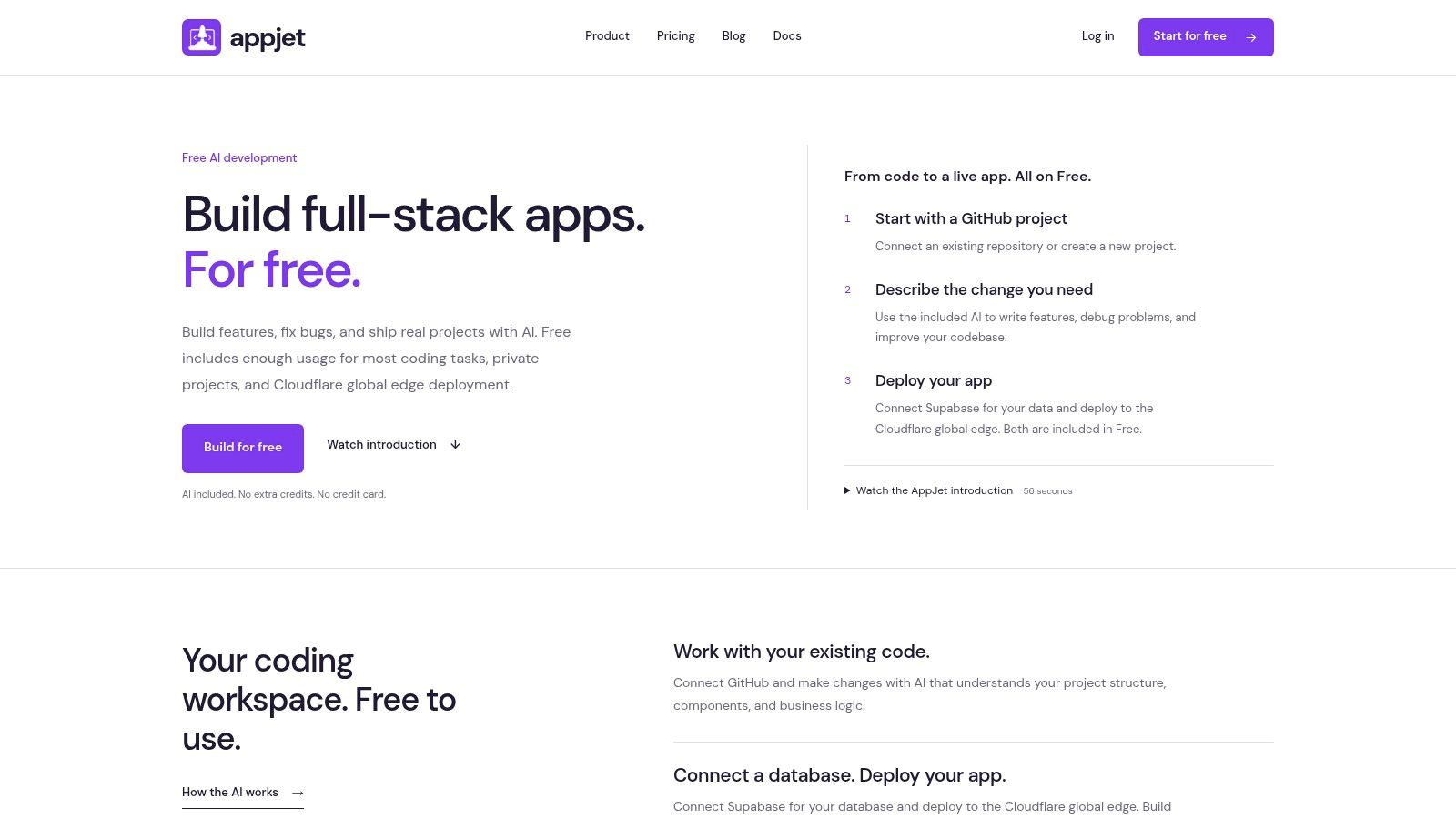
A repository with live customers is a harder first test than a blank prompt box. AppJet handles both: plain-language instructions for a new full-stack app and work inside an existing GitHub repository. Its agent can create and edit files, run supported checks, and record progress on the project. It also uses the project's structure, components, and business logic as context, which matters when the request is “add this feature without breaking what already ships” rather than “build me a new app.”
Existing projects and the free plan
The Free plan costs $0 per month and includes private projects, unlimited AI messages, GitHub and Supabase integration, and Cloudflare deployment. No credit card is required and there is no trial expiry. Deployed apps do not have a seven-day expiry, including on the Free plan. You keep ownership of your code, and AppJet says code and conversations are not used for AI training.
One workspace for coding, database connectivity, and deployment cuts the handoffs between them. Supabase integration is available on every AppJet plan, so database work is not gated behind an upgrade. Starter costs $5 per month and adds custom domains and persistent virtual disk storage; Pro adds more usage capacity. All plans use the same agent capabilities. When an allowance runs out, you can wait for the automatic reset, apply an available daily reset, or change to a plan with more usage.
Practical rule: Before switching tools, connect a copy of your existing repository and ask for a narrowly scoped change. Check the diff across related files, run the project's checks, and confirm the deployed app still uses the services you expect.
AppJet fits when repo continuity, private projects, and deployment matter more than a completely managed, no-code experience. Custom domains and persistent storage sit on Starter and Pro, not the Free plan. If you want the most guided prompt-to-prototype workflow, another builder may feel simpler.
2. Bolt.new
Bolt.new keeps the prompt-to-preview loop in the browser. You can generate a web app, inspect the live result, and publish without first setting up a local development environment. Bolt Cloud combines building and hosting with database, authentication, and file storage options, while integrations such as Supabase and GitHub offer ways to use external services.
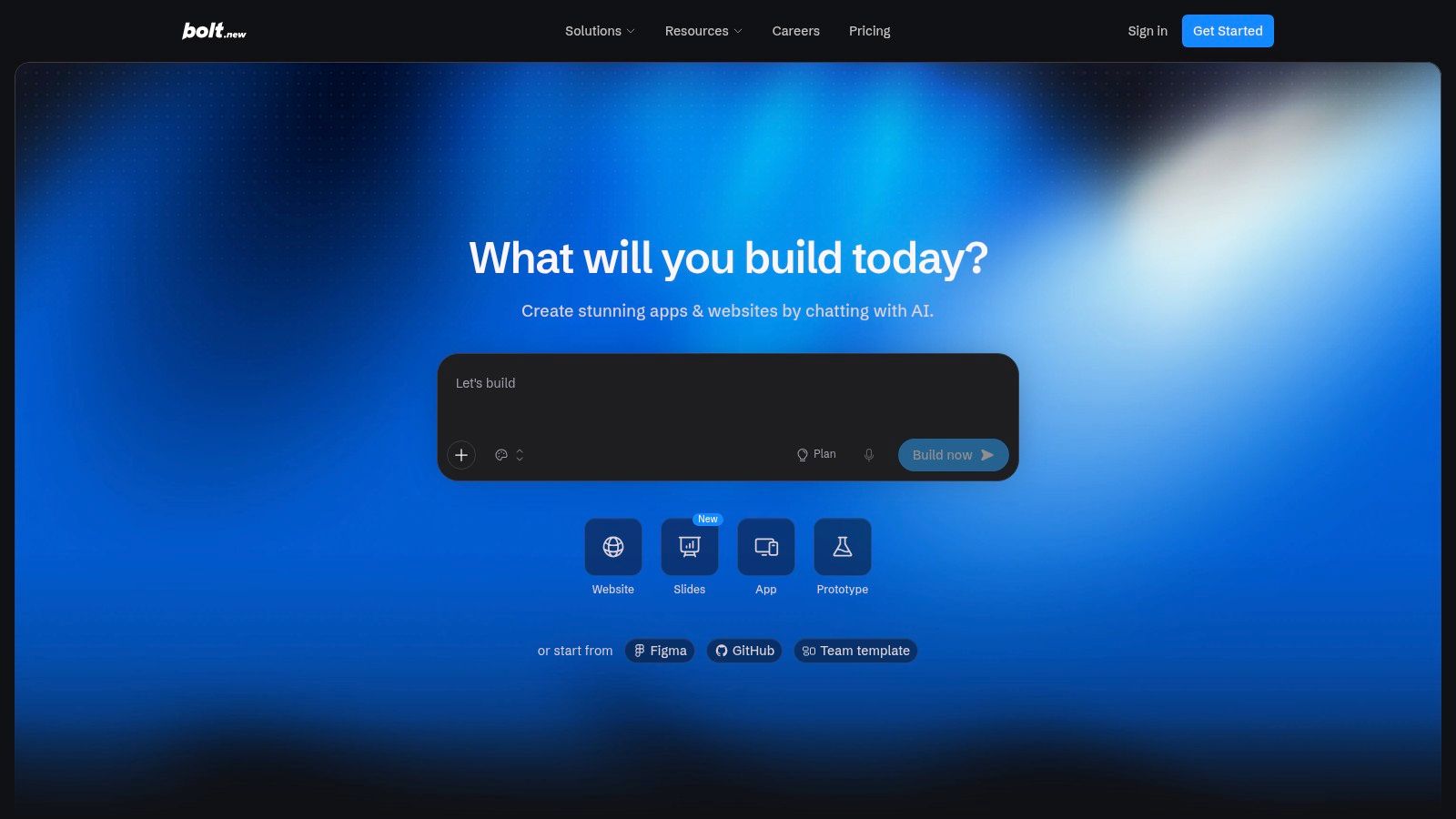
That makes Bolt a close fit for starting from scratch and getting a shareable app running. It also supports GitHub, but treat repository handoff as a workflow to test, not a guarantee that every generated change will fit an established architecture cleanly. Generated code can need manual debugging and review.
Watch the usage meter
Bolt meters AI use by tokens, and larger projects can consume more. The free plan has a monthly token limit and Bolt branding, so a long debugging loop may put pressure on the allowance before the app is ready. Paid plans are available for people who need more room or custom domains.
If you want the browser-based build-and-publish experience, Bolt is an easy place to start. If the project already has complex business logic, test a small change first and inspect whether the agent edits only what the feature needs.
For a walkthrough of the prompt-to-deployment workflow, see how to build and deploy a full-stack app from one prompt. Bolt's strongest case is speed and convenience; its trade-off is that token use and code review become part of the project plan.
3. Replit Agent
Replit Agent pairs natural-language coding with a browser-based development workspace. You can prompt the agent, inspect and edit files, run the app, and deploy from the same environment. Unlike a builder focused mainly on generating a new app, Replit also supports imported GitHub and GitLab repositories.
That makes it a reasonable choice for either a fresh project or an existing codebase, especially if you want direct access to the code alongside AI assistance. It includes database and authentication options, plus third-party integrations. The workspace is more general-purpose than a guided app generator, though, so expect to work with development concepts rather than only describe screens and features.
The cost of an all-in-one workspace
Replit's agent usage can incur effort-based charges. Check the plan's included AI allowance and how additional work is billed before using the agent for large changes or repeated debugging. A hosted environment can save local setup time, but it doesn't make generated code automatically safe or production-ready.
If your app will become an iOS product, consider the separate work involved in packaging and publishing it. This guide explains how to publish Replit projects on iOS. For a comparison of development workflows, see AppJet, Replit, Lovable, Base44, and Google AI Studio.
Choose Replit when you want the agent and coding environment together. Pick another option if your priority is a tightly guided visual builder or a predictable project workflow with minimal configuration.
4. v0
v0 is a good fit for React and Next.js developers who want AI to generate or refine web application code without leaving conventional development workflows behind. It supports GitHub project import and synchronization, offers Design Mode for visual editing, and connects directly to Vercel for deployment.
For a new project, v0 can help you get an interface and application structure started. It can also work with an existing repository, which makes it more relevant than a blank-canvas-only tool when you already have a codebase to extend. Its focus is web apps, particularly projects built with React, Next.js, TypeScript, Tailwind CSS, and shadcn/ui, rather than general native mobile development.
Good for UI, narrower beyond it
Vercel is the most integrated deployment route, so teams using another host may need extra steps. The free plan has seven messages per day and a small monthly credit allowance. That's enough for limited exploration, but repeated prompt-and-revise cycles can make the cap noticeable.
Use v0 when the interface is the bottleneck and your team already knows where the code should live. Don't assume a generated screen is a complete production feature: connect it to the right data, review its behavior, and test it in your project.
If you want a familiar React-oriented workflow and GitHub handoff, v0 is a strong candidate. If you need a general-purpose builder that handles varied backends or native-mobile app creation, its specialization may feel restrictive.
5. Base44
Base44 takes a managed approach to building a new app. Describe the application, and the platform can generate it with backend basics such as a database, authentication, and hosting included. A visual editor, analytics, and debugging tools help you continue working on the result without assembling each service yourself.
This works best for new apps and MVPs where reducing infrastructure setup is more important than controlling every part of the stack. Base44 also offers GitHub export and two-way sync on eligible paid plans, giving teams a path toward code-based development later. But that path isn't included on the free plan, so don't assume you can start for free and immediately use GitHub as the source of truth.
Credits and platform choice
AI messages and integration actions are credit-limited. Check both meters when planning a project: a workflow that makes frequent edits or depends on connected services can use credits in different ways. Managed infrastructure makes it easier to get the basics running, but it offers less flexibility than a general-purpose IDE or a repository-first development workflow.
Base44 suits builders who want the platform to handle more of the setup. If you already maintain a repository and need changes to land inside its structure, verify how the paid GitHub workflow works before committing. Export is useful only if the resulting code and operating setup fit your team's maintenance plan.
6. Emergent
Emergent uses AI agents to build, test, and publish applications from natural-language instructions. It supports web projects and React Native mobile workflows, along with dashboards, APIs, and SaaS applications. Backend, database, and authentication features are part of the platform's broader build process.
That scope makes Emergent worth considering if you want an agent-led workflow that includes more than web page generation, particularly for starting a new project. Agents can test and iterate on builds, and GitHub source-code export is available on eligible plans. The important caveat is that access to GitHub and publishing options depend on which plan you use.
Budget for iteration
Emergent's credit-based usage can make sustained development costly. Prototyping a feature is different from repeatedly asking an agent to debug, revise, and test it, so estimate usage against the actual build loop rather than a single successful prompt. Managed infrastructure also means less freedom to choose the underlying services.
For a mobile-oriented concept or an agent that can run tests as part of iteration, Emergent may fit better than a web-only builder. For an established repository, confirm the export and integration workflow before investing in a large feature. You'll still need to review changes, verify tests, and decide how the app will be maintained after launch.
7. Dyad
Dyad runs locally on your computer, with project files stored as ordinary code. It's free and open-source software, and you can connect a model using your own provider credentials or use a local model. That makes it a distinctive option for developers who want to choose where their code lives and which model supports development.
Instead of moving an existing app into a hosted builder, you can work with project files locally and use Git-compatible workflows alongside other development tools. Dyad supports JavaScript-based apps. The trade-off is that the builder isn't an all-in-one deployment service: you arrange model access, hosting, and other infrastructure yourself.
Local control is useful only if you're prepared to manage the surrounding workflow. Decide how you'll run the app, handle secrets, connect services, and deploy before treating a generated prototype as production-ready.
There's no required subscription for the core builder, but a model provider may charge for AI usage. Linux support is described as experimental, so check compatibility with your development environment before building a project around it. Choose Dyad when local files and model choice matter more than managed hosting and a single guided workspace.
8. Google AI Studio
Google AI Studio includes a Build mode for creating and iterating on apps with Gemini through natural-language prompts. It's especially relevant when the app depends on Gemini capabilities or you want to test an AI-powered concept quickly. GitHub connection gives you a route to continue development in a code editor or command-line workflow.
That handoff is the main advantage for developers who don't want to keep a prototype inside a browser-based builder. It also makes Google AI Studio more useful for testing an idea than for teams seeking a vendor-neutral workspace that manages the entire production lifecycle.
Check the path from prototype to production
Google Cloud services may involve separate quotas or billing, so understand which resources your app uses before publishing or scaling it. Review model quotas and data-handling terms before using sensitive information. Connecting a repository doesn't automatically configure your deployment, environments, or production monitoring.
Pick Google AI Studio when you're building around Gemini and want a fast way to experiment. If you need a complete development, database, and deployment workflow, plan for the additional setup outside the tool. The prototype can prove a product idea, but your team remains responsible for production code and operations.
9. Bubble
Bubble is a visual no-code platform for building web and mobile apps. Rather than generating source code that you then maintain in a conventional repository, you work in Bubble's visual editor and managed environment. AI-assisted generation and troubleshooting can help you get started, while the editor lets you control app behavior and workflows directly.
Bubble suits founders and operations teams building workflow-heavy products who prefer visual editing to code review. It can be easier to adjust a form, workflow, or database-driven interface visually than to manage a traditional application stack. But that convenience comes with platform dependence: there's no full source-code export, and apps remain tied to Bubble.
Know the portability trade-off
A free plan is available for development and testing, but publishing a production app requires a paid plan. Workload-based usage can also make costs harder to forecast as the application grows. If the project needs custom backend behavior, repository-level testing, or an eventual move to another host, consider that migration path before building far into the platform.
Bubble is practical when shipping inside a managed visual platform is the point. It's a poor match if your team needs to own and maintain an exported codebase. For a broader look at the web app development platform landscape, compare platforms by portability and workflow, not just by how quickly they generate the first screen.
10. Softr
Softr is aimed at portals, internal tools, CRMs, and operational apps rather than developer-led code generation. Its AI Co-Builder can generate an app's database, pages, blocks, and user permissions from a description. After that, you can continue editing visually and connect external data sources.
That makes Softr a natural fit for a team that needs a client portal or internal business app with logins, permissions, forms, and structured workflows. It's less suitable when the requirement is an exported application that developers can freely extend in a repository. If code ownership is essential, this platform-first approach doesn't solve that need.
Useful for business workflows
Softr's visual editing can keep an app usable even when you're no longer relying on AI generation for each change. The free plan is limited to five app users, so treat it as a small-scale way to explore rather than assume it will cover a broader rollout. Paid plans can become more expensive as user and permission needs grow.
Choose Softr when a business team needs to build a portal without taking on a full software development workflow. For a custom application with complex logic, a long-lived codebase, or a strict need to move between hosting providers, start with a code-oriented tool instead.
Lovable Alternatives at a Glance
The decision splits along one line: starting a new app from a prompt or extending a repository you already maintain. Free allowances and export paths decide more projects than feature lists, so read those columns before the interface.
| Item | Best for | Free plan | Code export / GitHub | Key limitation |
|---|---|---|---|---|
| AppJet | New full-stack builds or existing repos that need AI help, GitHub, Supabase, and deployment in one workspace | $0 plan includes private projects, unlimited AI messages, GitHub and Supabase integration, and Cloudflare deployment; all plans use the same agent capabilities | GitHub integration; you keep ownership of the code and content you create | Usage allowances apply and reset automatically; custom domains and persistent virtual disk storage require Starter |
| Bolt.new | Prompt-based app building, previewing, and publishing in a browser | Free access with private projects and hosting; monthly token limits and Bolt branding apply | GitHub integration available | Token use grows with project size; generated code may need review |
| Replit Agent | AI-assisted coding, testing, and deployment in a general-purpose cloud workspace | Limited free tier with capped AI usage | Imports GitHub and GitLab repositories; direct code access | Agent work can incur effort-based charges |
| v0 | Generating React and Next.js interfaces and apps | Free access with limited messages and credits; includes Vercel deployment and GitHub sync | GitHub import and synchronization | React and Next.js focus; Vercel is the most integrated deployment option |
| Base44 | Apps with a managed backend, database, authentication, and hosting | Free access to core app-building features | GitHub export and two-way sync on eligible paid plans | GitHub is not included free; AI and integration actions use credits |
| Emergent | Agent-led web and React Native app generation, testing, and publishing | Limited free credits for agent builds | GitHub code export on eligible paid plans | Credit-based usage; GitHub access and publishing depend on plan |
| Dyad | Local, open-source app building with a choice of AI model | Free core builder; model usage may cost extra | Local Git-compatible project files | You arrange deployment and other services separately |
| Google AI Studio | Rapid Gemini-focused prototyping | Free access with usage quotas | GitHub connection for continued development elsewhere | Google Cloud services may involve separate billing and quotas |
| Bubble | Visual no-code apps with workflows for founders and operations teams | Free plan for development and testing | No full source-code export | Production publishing requires a paid plan; apps stay tied to Bubble |
| Softr | Portals, internal tools, CRMs, and structured business workflows | Free plan for small-scale exploration; limited to five app users | Not suited to exported-code workflows | User and permission needs raise paid-plan costs |
Fit comes down to the exact limit you will hit: token meters on Bolt.new, credits on Base44 and Emergent, export gaps on Bubble and Softr, or infrastructure you must assemble yourself with Dyad. Match that limit to whether you are starting fresh or working inside an existing repo.
Choosing the Right Alternative for Your Project
The right pick depends on your scenario, not a leaderboard. First, decide whether the tool needs to extend an existing repository or create a new app. Then check whether the project can live on a managed platform, or whether your team needs to review and maintain normal code changes.
If you're extending a GitHub project, prioritize repository import quality, the ability to understand project structure, and whether changes are easy to inspect and test. AppJet's Free plan supports private projects, GitHub connectivity, Supabase integration, and Cloudflare deployment without a trial deadline. The Supabase integration is available on every plan, and deployed apps don't have a seven-day expiry. That combination is useful when you want to try AI assistance on a real project without first moving its development workflow into a new platform.
For a fresh app, choose based on how much infrastructure you want the builder to manage. Bolt.new and Base44 offer a managed path toward a shareable application. Replit Agent gives you a more general-purpose browser workspace with direct code access. v0 makes sense when your work is centered on React and Next.js. Google AI Studio is relevant when you're prototyping around Gemini.
If keeping code and model choice local is the priority, Dyad stands out, but you'll need to arrange deployment and other services yourself. For business portals and workflow-heavy internal tools, Bubble and Softr can be practical when platform dependence and the absence of a conventional code-export path are acceptable. Emergent is worth a look for agent-led web and mobile work, with plan and credit limits in mind.
Don't choose from the first demo. Use the same small task in two candidate tools: import a representative project or build a feature with a realistic data connection. Inspect the resulting changes, run the available checks, and note how usage limits affect the work. If deployment is part of the test, verify the environment, database connection, and rollback plan rather than stopping at a successful preview.
That comparison reveals the trade-offs marketing pages tend to obscure. A builder can generate an app quickly and still leave you with a credit meter, limited export, or a project that's difficult to maintain. Pick the tool that fits your actual starting point and leaves you with a workable path after the prototype is done.
AppJet brings AI-assisted coding, GitHub, Supabase, and Cloudflare deployment into one workspace for new applications and existing repositories. Its free plan includes private projects and unlimited AI messages, while Starter adds custom domains and persistent virtual storage. Try AppJet with a small feature from your current project and see whether the code and deployment workflow fit how you build.