The popular advice is to pick the continuous deployment tool with the longest feature list. That's usually backwards. A platform that handles Kubernetes fleets, canary analysis, and multi-cloud promotion may be the wrong choice for a small team deploying one web application. A repository-native workflow may be ideal for a GitHub-based product, but frustrating when release safety depends on traffic shifting, automated verification, or strict audit controls.
The right choice depends on your repository host, deployment target, Kubernetes or multi-cloud requirements, testing depth, rollback path, approval model, operational ownership, pricing structure, and team size. That distinction matters because DevOps adoption hasn't automatically produced full deployment automation. A 2021 global survey found that 74% of developers used some kind of DevOps practice, but only 29% said continuous deployment was their main delivery-automation method. Only 14% reached production in less than one day from code check-in, and one in 10 deployed to production multiple times per day (SD Times survey coverage).
This list evaluates continuous deployment tools by operating model, not popularity alone. It moves from AI-first and repository-native workflows through hosted CI/CD, self-managed automation, Kubernetes GitOps, progressive delivery, and cloud-specific services. For a broader explanation of the deployment model, see RapidNative continuous deployment.
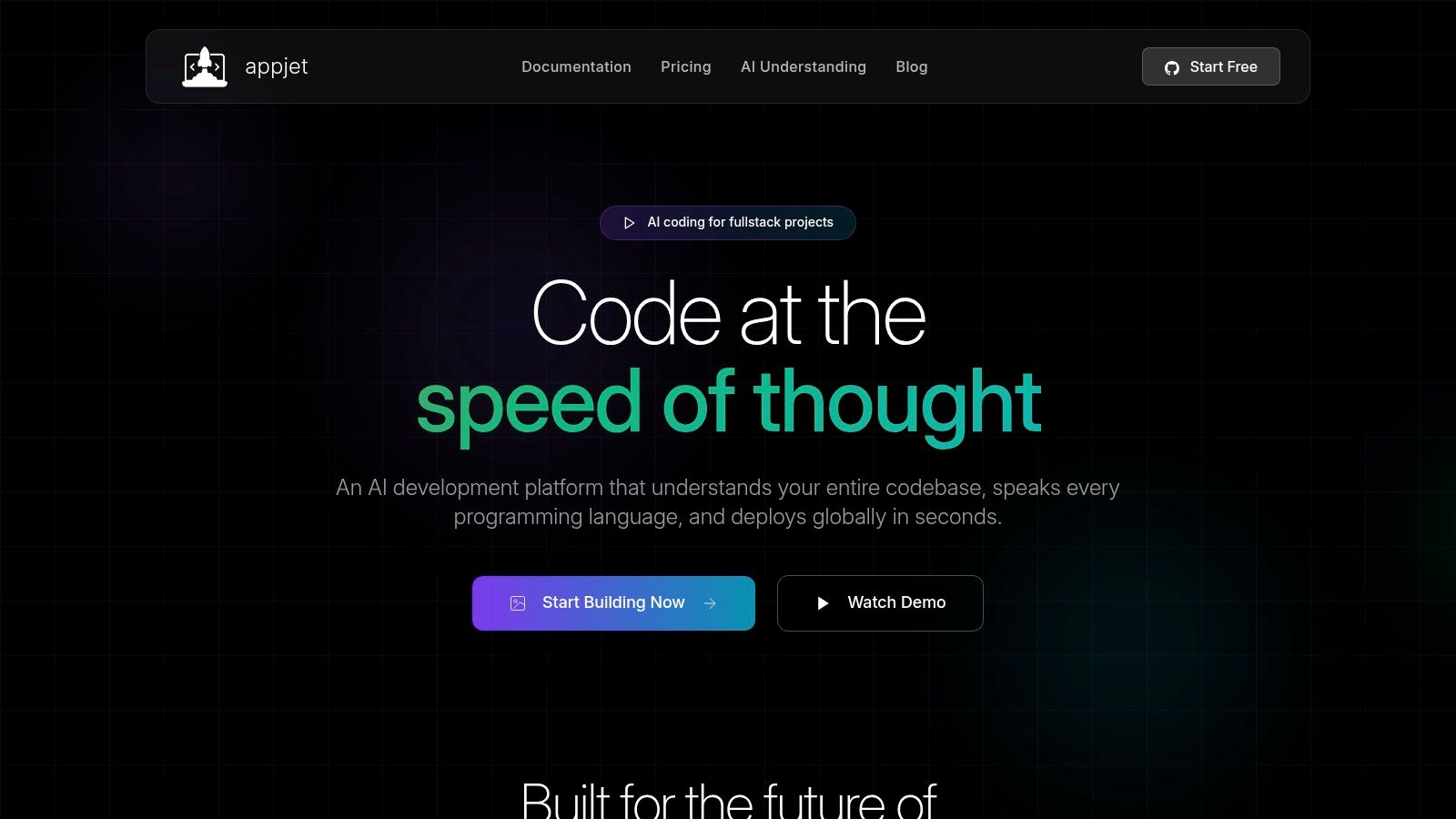
1. Appjet.ai
Appjet.ai uses an AI-first full-stack development and deployment platform model rather than a conventional pipeline assembled from separate build, test, and release services. It is designed to move from an idea to production code while keeping implementation, testing, and deployment in one workflow.
Its main advantage is repository context. The assistant can work across architecture, business logic, and coding patterns instead of treating each file as an isolated prompt. That is useful for cross-cutting changes, refactors, and features that must remain consistent across an application. Support for JavaScript, Python, Go, and Rust also fits teams running more than one language.
Best fit for fast full-stack delivery
Appjet keeps changes under developer control. Work is proposed and executed in isolated branches, with automated testing and instant rollback intended to protect the mainline. This operating model is safer than allowing an AI system to edit production code directly, particularly when a change spans authentication, data access, deployment configuration, and user-facing behavior.
The deployment model is edge-first, using Cloudflare to push applications across a global network. That suits web applications where low-latency delivery matters and the team does not want to build a separate edge deployment layer. It is less suitable when an organization requires a self-managed runtime, complex multi-cloud promotion, or mature progressive delivery controls.
Practical rule: Treat AI-assisted deployment as a controlled change workflow. Keep tests, review, and rollback procedures in place.
Pricing is straightforward. The Free tier costs $0 and includes 100 messages per month, private projects, and Supabase integration, but data is used for training and deployments are deleted after 7 days. Starter costs $5 per month with 200 messages per month, edge deployment through Cloudflare, custom domains, and no training use. Builder costs $15 per month with 500 messages per month, while Pro costs $49 per month with unlimited messages, beta features, and premium support.
Enterprise requirements remain the main limitation. The Free plan's data policy and deployment retention may not fit every prototype, and Appjet does not list a public enterprise self-hosting option or compliance certifications. Founders, full-stack developers, and small teams prioritizing rapid implementation and edge delivery should assess it first. Regulated organizations should complete vendor, privacy, and deployment-control reviews before standardizing on the platform.
2. GitHub Actions
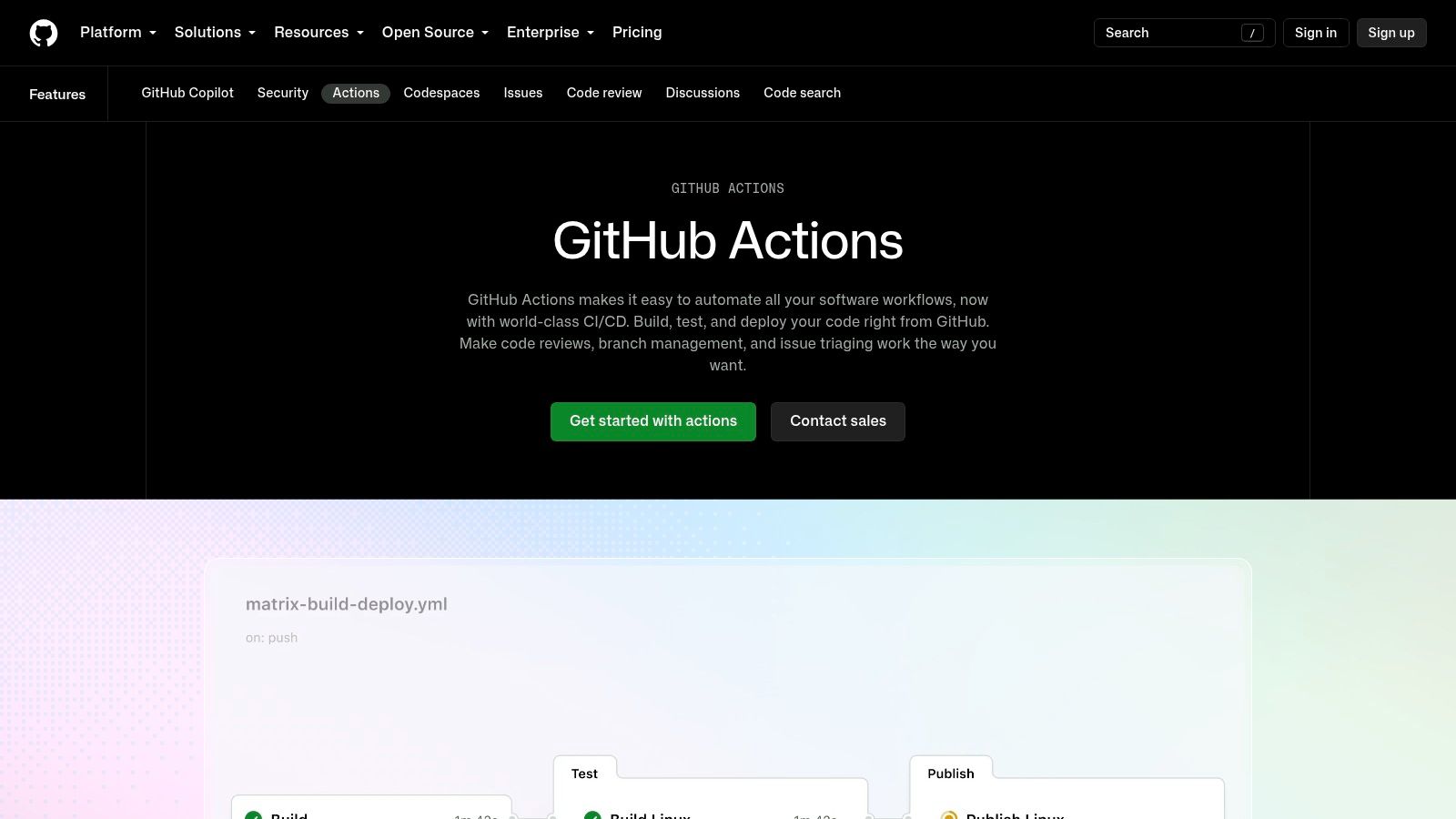
GitHub Actions is the natural starting point when your source code, pull requests, reviews, and release decisions already live in GitHub. Pipelines are defined as code beside the repository, so a team can build, test, package, and deploy without introducing a separate control plane.
That native connection is its main advantage. Environments support approvals and protection rules, while OIDC integrations can authenticate workflows with cloud providers without placing long-lived credentials in repository secrets. Matrix builds, reusable workflows, and the Actions marketplace cover common language, container, registry, and infrastructure tasks.
Where it works well
GitHub Actions suits teams with a straightforward deployment path, such as building a container, publishing it to a registry, and updating a service in a managed cloud. It also works well for organizations that want pull-request checks and production approvals visible in the same place as code review. Teams can extend the workflow with health checks, deployment annotations, and rollback commands.
The cost problem is less obvious. Usage depends on runner type, execution time, concurrency, storage, and artifact retention. Larger macOS and Windows runners generally cost more than Linux runners, so mobile builds and platform-specific tests need monitoring rather than a vague assumption that hosted CI is inexpensive.
A simple workflow can be excellent CD. A complex workflow can become an undocumented deployment platform written in YAML.
GitHub Actions doesn't automatically provide traffic shifting or progressive verification. You'll need to integrate those capabilities through your cloud provider, Kubernetes controller, feature-flag system, or another deployment product. Teams evaluating the boundary between coding assistance and release automation can also review Appjet's continuous deployment guide.
Choose it when GitHub is already the operational center and your team is comfortable owning the workflow logic. Choose something else when deployment safety requires a dedicated rollout engine rather than a sequence of action steps.
3. GitLab CI/CD
GitLab CI/CD is best understood as part of a broader DevSecOps platform, not merely a hosted runner. Source control, pipeline configuration, container registry, security scanning, compliance workflows, and Kubernetes deployment can sit inside one product boundary.
That consolidation reduces integration work for teams that want one system to connect commits with builds, test results, security checks, and deployment environments. Auto DevOps provides an opinionated route for supported application patterns, while teams can customize or override the generated behavior when their architecture needs something different.
A strong Kubernetes and governance option
GitLab's Kubernetes alignment is useful when the platform team wants developers to work through standardized templates rather than inventing deployment logic per repository. Shared SaaS runners reduce infrastructure ownership, while self-managed runners support private networks, specialized build environments, or stricter control over execution.
The trade-off is convention. Auto DevOps is most effective when the application follows the conventions the templates expect. Once the repository has unusual build steps, nonstandard packaging, or complex promotion logic, customization can become the project. That isn't a flaw unique to GitLab, but opinionated automation always creates a choice between adapting the application and adapting the platform.
GitLab also separates some advanced enterprise capabilities into higher-tier plans. Teams should model security, compliance, runner, and repository needs together rather than selecting a plan based only on basic pipeline execution.
By 2022, the Continuous Delivery Foundation reported that 47% of developers used either continuous integration or continuous deployment, but only one in five used both together to automate the path from building and testing through production (State of Continuous Delivery 2022). GitLab is designed for that combined workflow, but adopting the platform won't remove the need for reliable tests, clear ownership, and a disciplined promotion model.
4. CircleCI
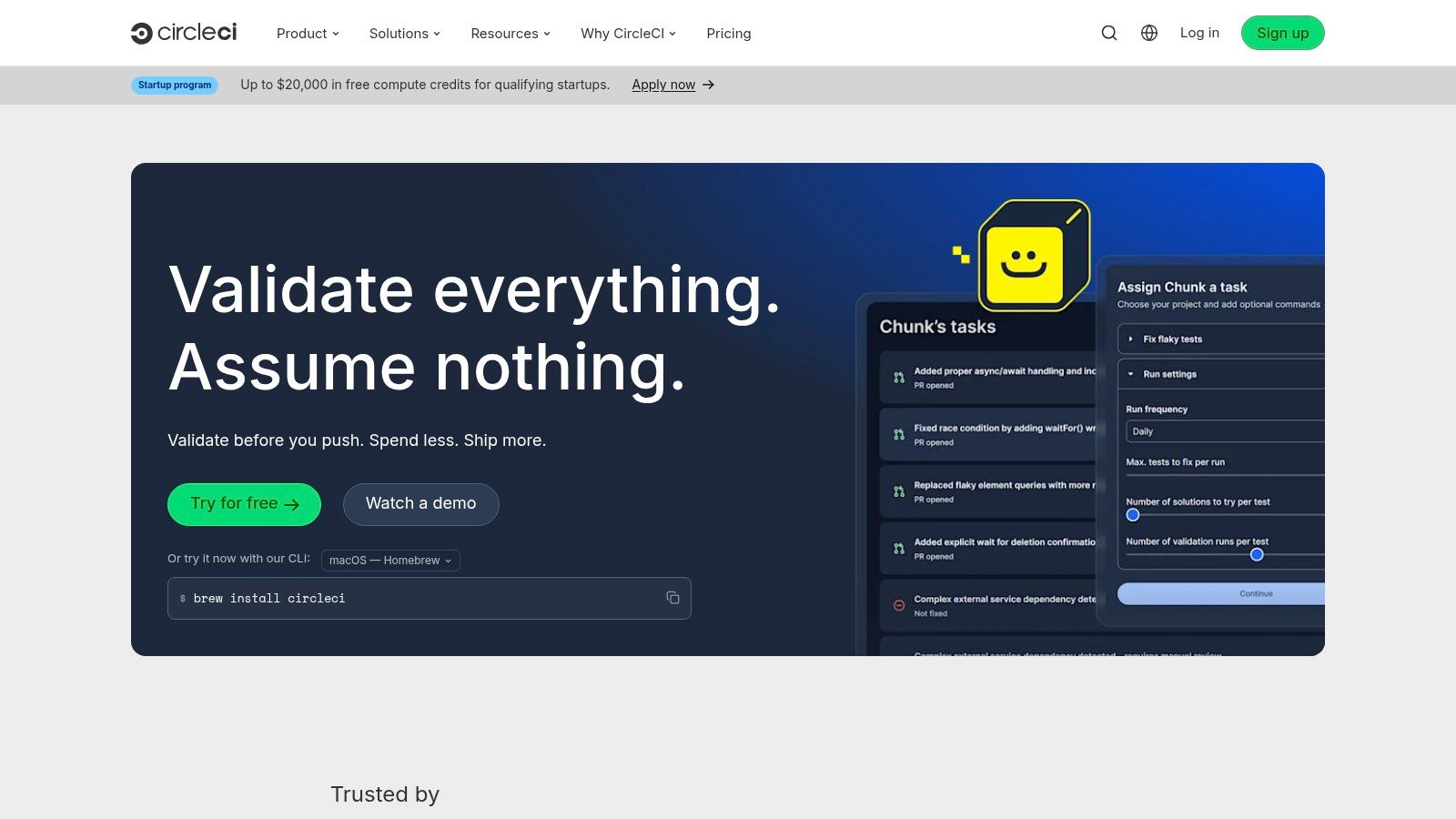
CircleCI is a hosted CI/CD service for teams that care about fast feedback, parallel testing, and flexible compute choices. It supports Linux, Windows, macOS, Arm, and GPU resource classes, so teams can match the runner to the workload instead of forcing every job onto the same machine profile.
That flexibility matters most when the test suite is the bottleneck. CircleCI supports test splitting and parallel execution, and its configuration model gives teams detailed control over caching, dependencies, workflows, and job resources. Docker Layer Caching is available as an optional capability, and self-hosted runners support private environments where hosted execution isn't appropriate.
The cost model requires discipline
CircleCI uses credits and resource classes rather than a single simple per-job price. That lets an engineering team trade execution speed against spend, but it also introduces a learning curve. A pipeline can become expensive when it uses large machines for tasks that don't need them, repeats dependency installation, or runs broad test suites on every change without clear grouping.
macOS support is valuable for Apple-platform builds, but macOS execution and some advanced capabilities can be more expensive or plan-dependent. Teams should test the workload, including cache behavior and parallelism, before estimating ongoing cost.
CircleCI is primarily a build-and-test engine that can also drive deployment. It's a good choice when deployment consists of calling a cloud API, publishing an artifact, or updating a service through an existing platform. It's less compelling as the sole answer when you need first-class GitOps reconciliation, percentage-based traffic shifting, or automated canary analysis.
Use CircleCI when your release quality depends on a strong hosted test system and your deployment target already supplies the specialized rollout controls. Don't buy it just to replace a small repository-native workflow that already runs reliably.
5. Jenkins
Jenkins remains the choice for teams that need maximum control over automation infrastructure. Its pipelines are defined through Jenkinsfiles, its plugin ecosystem connects to a wide range of build and deployment systems, and distributed agents can run across operating systems and private networks.
The absence of per-user or per-minute vendor fees can look attractive, especially for organizations with existing hardware, reserved compute, or unusual build requirements. Jenkins can orchestrate almost any deployment target because the team can install the required tools, write the required pipeline stages, and connect the required credentials.
Flexibility creates an operations bill
Jenkins doesn't remove complexity. It transfers that complexity to the organization operating the controller, agents, plugins, credentials, backups, access controls, upgrades, and recovery process. Plugin compatibility needs active management, and a pipeline that depends on a large collection of plugins can be difficult to reproduce or migrate.
Self-hosting also changes the security responsibility. Teams must harden the controller, isolate build agents, limit credential exposure, and ensure that untrusted pull requests can't access production secrets. These are operational tasks, not feature checkboxes.
Jenkins works when the company already has platform engineering capability or when deployment requirements exceed the boundaries of hosted tools. It's a poor default for a small team that wants to ship a web application without becoming responsible for another internal service.
The strongest Jenkins installations treat pipeline code as a product. They keep plugins deliberate, standardize shared libraries, define ownership, and test rollback paths. Without that discipline, Jenkins often becomes a collection of inherited jobs that nobody wants to modify.
6. Argo CD
Argo CD is purpose-built for declarative, pull-based GitOps on Kubernetes. The desired state lives in Git, and Argo CD continuously compares that state with the cluster. It surfaces differences, reports application health, and can synchronize changes automatically or wait for an explicit approval.
That model gives platform teams a clear audit trail. A production change is represented by a Git revision, not an undocumented command run from a laptop. RBAC, SSO, UI and CLI access, drift detection, and application health views make the deployment state easier to inspect than a collection of imperative scripts.
Kubernetes is a prerequisite, not a detail
ApplicationSets help template applications across clusters and environments, which makes Argo CD attractive for organizations managing a Kubernetes fleet. It can also pair with Argo Rollouts when teams need progressive strategies such as canary or blue-green releases.
The trade-off is scope. Argo CD is a Kubernetes deployment controller. It doesn't replace your source-control strategy, build system, container registry, cluster operations, secrets platform, or observability stack. Teams must design those pieces and define how artifacts move from CI into the Git-managed desired state.
Operational test: If your team can't explain who owns the cluster, the manifests, the secrets, and the rollback commit, Argo CD won't solve the underlying delivery problem.
The learning curve is real because GitOps changes how engineers think about deployment. A direct command may feel faster during an incident, but bypassing reconciliation can create drift and confusion unless the team has a documented emergency process. Review Appjet's deployment automation guide for context on how automation fits into a broader release workflow.
Choose Argo CD when Kubernetes and Git as the source of truth are already deliberate operating decisions. Don't install it merely because Kubernetes is available.
7. Spinnaker
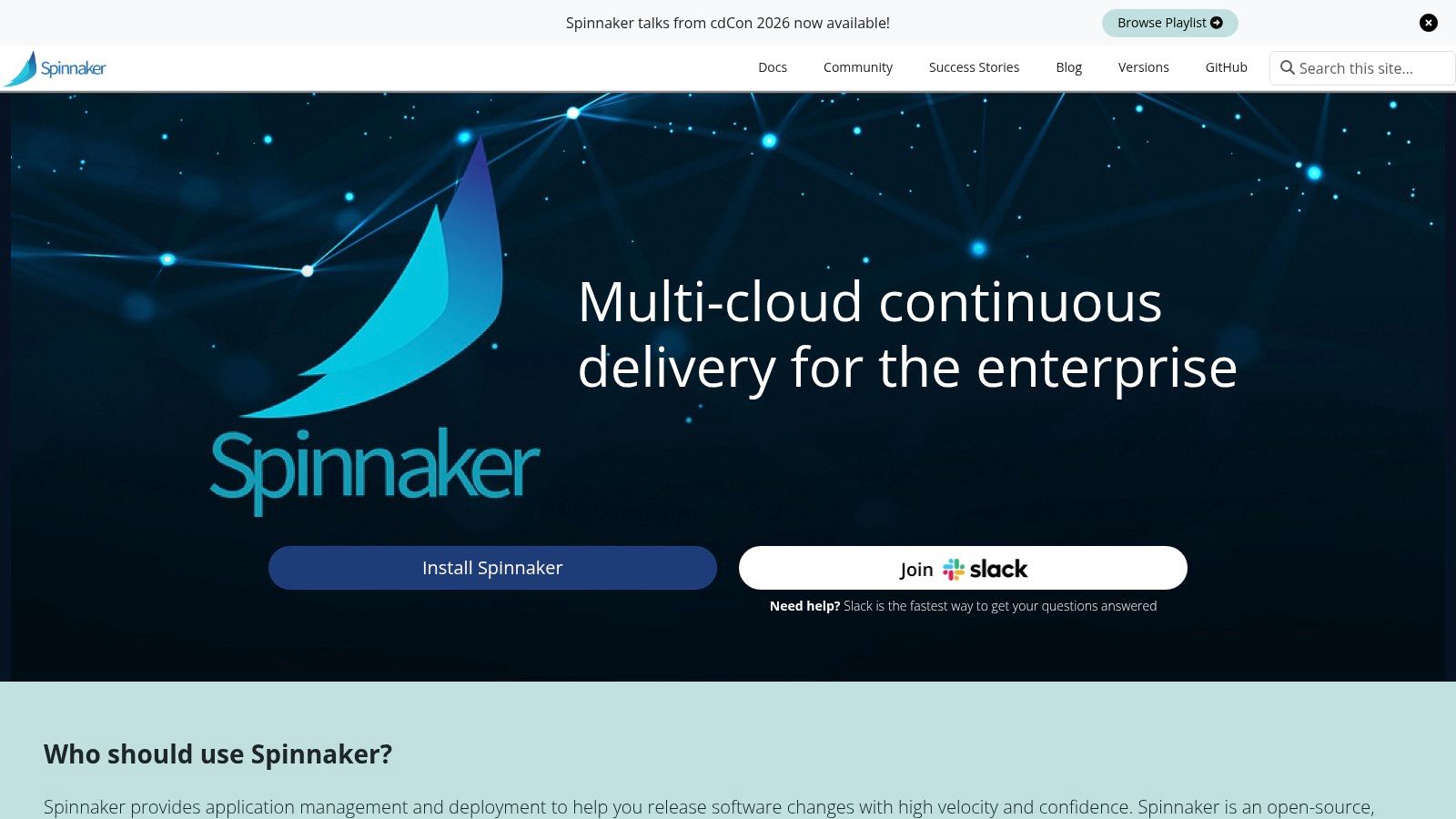
Spinnaker is for organizations that need advanced multi-cloud delivery orchestration, not just automatic deployment after a successful build. Its strength is the release workflow. Teams can model manual judgments, blue-green or red-black deployments, canary analysis through Kayenta, and integrations across cloud and Kubernetes targets.
That makes Spinnaker useful when release safety involves more than checking whether a process started. A mature pipeline may need to deploy a candidate, expose it to controlled traffic, compare operational signals, pause for a decision, and promote or roll back based on defined conditions.
Capability comes with platform weight
Spinnaker's flexibility is also its cost. The system contains multiple services and requires meaningful operational ownership. Teams must understand its integrations, persistence, access controls, pipeline definitions, and upgrades. It's not a lightweight controller that disappears into a cluster.
The platform makes most sense when multi-cloud delivery or release strategies are business requirements. A team deploying a small number of services into one managed environment may pay more in platform maintenance than it gains in rollout capability.
Spinnaker also requires strong upstream inputs. Canary analysis is only useful when services expose meaningful metrics, logs, and health signals. Weak tests and poor observability won't become reliable release verification just because a pipeline has a canary stage.
The 2026 benchmark cited by Electro IQ describes elite DevOps teams deploying more than 1.2 times per service while keeping change failure rate under 1%, based on 8.1 million pull requests across 4,800 teams in 42 countries (2026 engineering benchmark coverage). The practical lesson is that delivery environments depend on automation quality and release discipline, not raw tool count. Spinnaker is valuable when the organization is ready to supply both.
8. Harness Continuous Delivery and GitOps
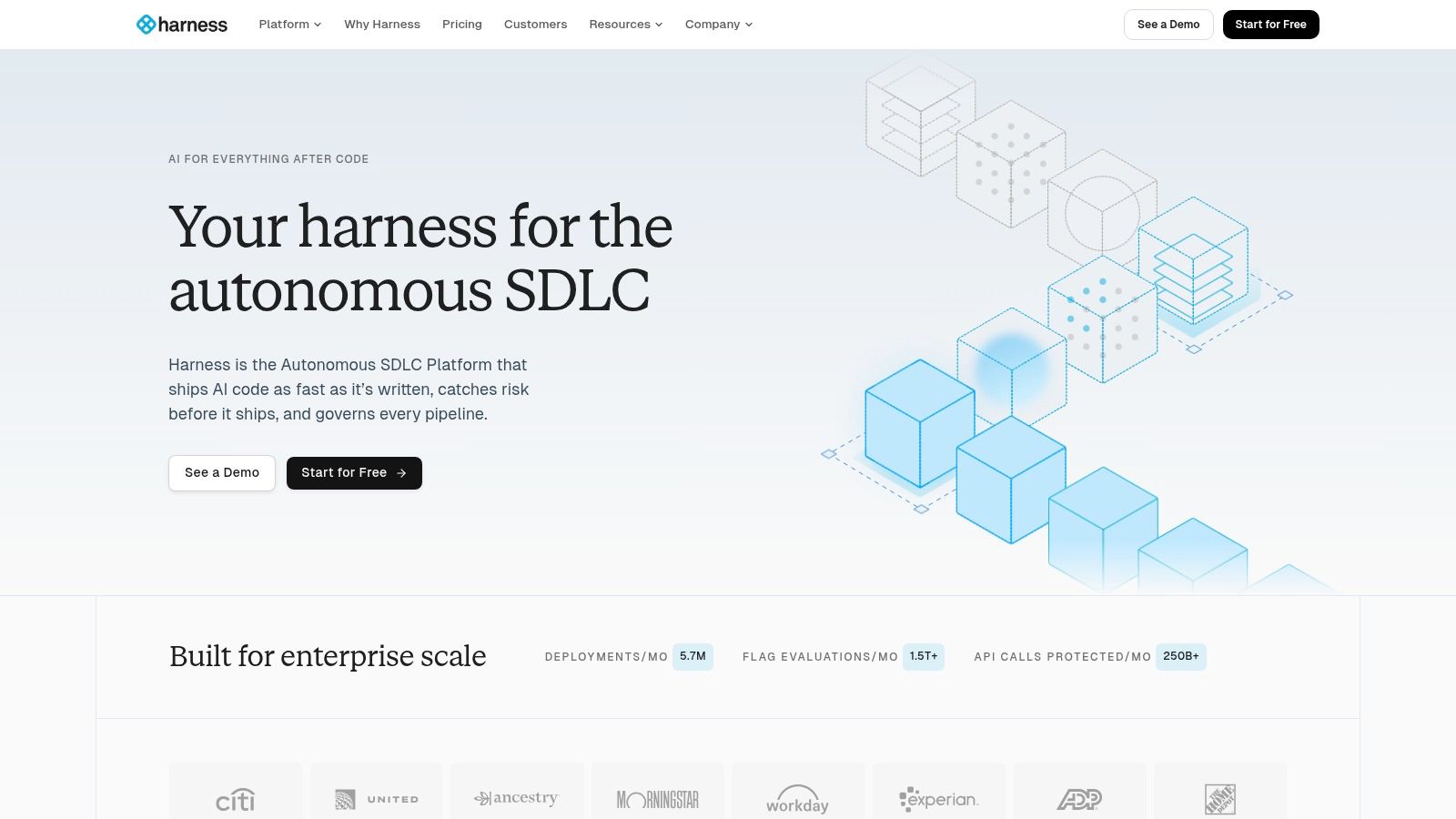
Harness targets teams that want commercial progressive delivery with verification and governance built in. Its continuous delivery capabilities include canary and blue-green workflows, automated verification, rollback controls, feature flags, GitOps options, and policy guardrails.
The important distinction is verification. A deployment system that only confirms that a new process is running can still promote a broken release. Harness is designed to connect deployment stages with metrics and logs, allowing teams to define conditions for promotion or rollback rather than relying entirely on a human watching dashboards.
Buy safety when building it would distract
Harness is a good fit for mid-sized and large engineering organizations that want to buy an integrated platform instead of assembling CI, deployment orchestration, feature flags, policy controls, and verification connectors. Broad target coverage also helps companies with mixed infrastructure.
The trade-off is commercial complexity. Enterprise pricing and details often require a sales conversation, so a team should ask for a model based on its actual services, environments, execution volume, and enabled modules. Feature breadth can also make adoption heavier than a focused open-source controller.
Harness is more opinionated than Jenkins or a custom pipeline. That can improve standardization, but it may frustrate teams that want every release rule expressed in their own scripts. It also won't repair upstream engineering gaps. The State of Continuous Delivery 2025 identifies trunk-based development, test automation, and end-to-end pipeline automation as major gaps, which suggests that tooling often isn't the primary blocker (State of CD 2025).
Choose Harness when automated verification and enterprise controls justify a dedicated platform. If your team lacks dependable tests or production telemetry, invest there before paying for more advanced rollback logic.
9. AWS CodePipeline and CodeDeploy
AWS CodePipeline and CodeDeploy suit teams that have already committed to AWS infrastructure, IAM, CloudTrail, and native service integrations. CodePipeline coordinates source, build, approval, and deployment stages. CodeDeploy automates releases to EC2, on-premises servers, Lambda, and ECS.
The AWS-native approach cuts integration work inside an AWS estate. Teams can connect CodeBuild, CloudFormation, registries, approval stages, and deployment targets through the same provider. ECS and Lambda support blue-green deployment patterns, while other targets can use rolling deployments.
Native integration versus portability
Portability is the main trade-off. A pipeline built around IAM policies, CloudFormation, ECS deployment groups, Lambda versions, and CloudWatch signals requires substantial rework before it can run elsewhere. That fits organizations treating AWS as their long-term operating model. It is less suitable for teams that require multi-cloud portability.
The service also divides delivery responsibility across several AWS products. Engineers must understand the relationships among the pipeline, build environment, artifact storage, deployment target, permissions, logs, and approval controls. A visual pipeline may look simple, yet troubleshooting becomes harder with cross-account access, infrastructure changes, and multiple environments.
Teams should map the full toolchain before choosing individual components. Guidance on DevOps automation can help frame that review around integration effort rather than feature count.
Selection rule: Choose AWS-native deployment when AWS integration matters more than provider neutrality. Do not select it only because the first deployment is easy.
AWS can reduce connection work within its ecosystem, but each added service still creates configuration, permissions, monitoring, and operational ownership. Review who will maintain those pieces, how releases are tested, and whether progressive delivery controls meet the application's risk level. AWS CodePipeline and CodeDeploy are a strong stack fit for AWS-centered teams, not a neutral default for every delivery model.
10. Azure Pipelines
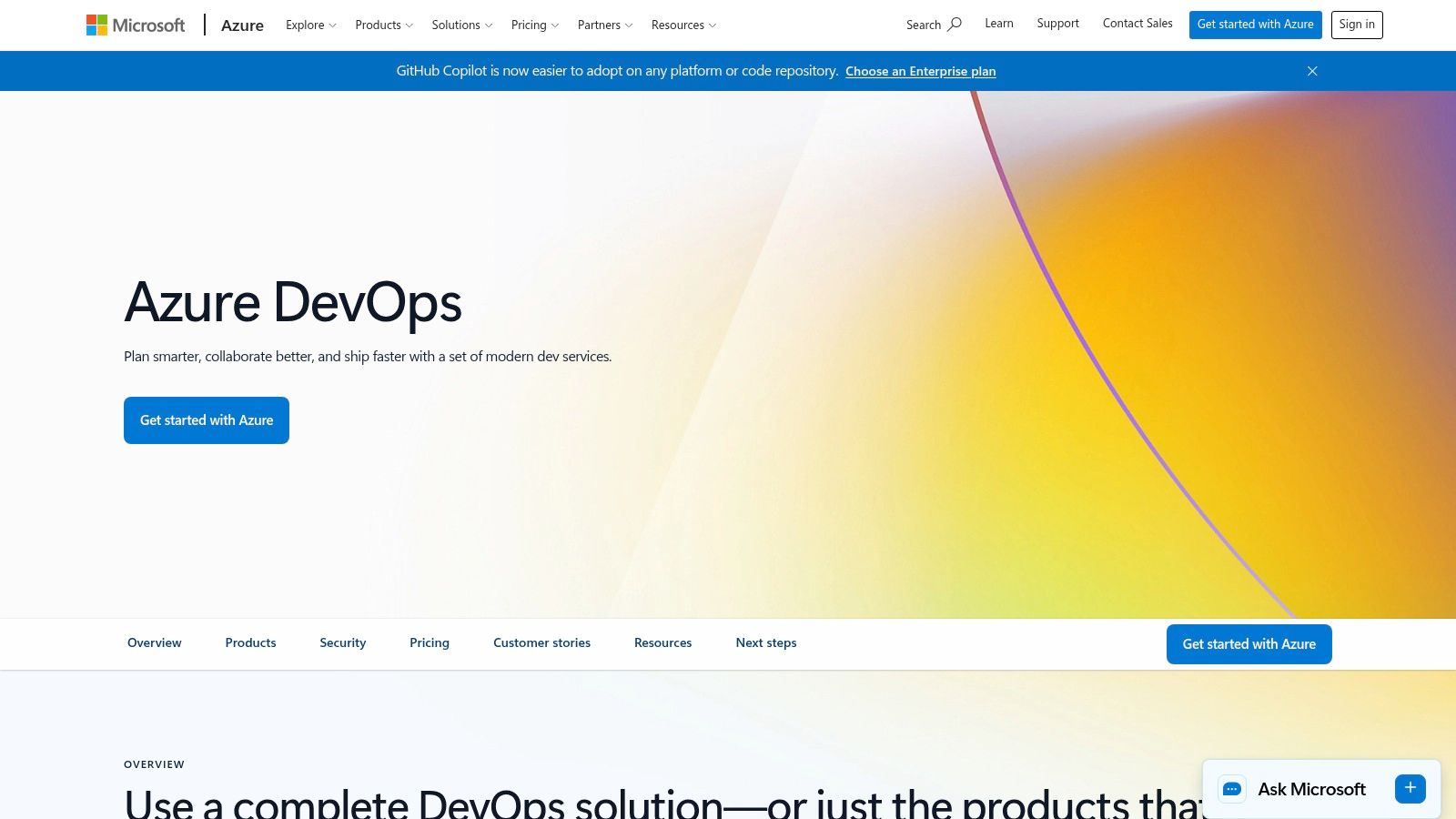
Azure Pipelines is a strong option for organizations operating in the Microsoft and Azure ecosystem. It supports YAML multi-stage pipelines across Windows, Linux, and macOS, with hosted or self-hosted agents, reusable templates, environment approvals, and checks.
The platform connects naturally with Azure resources, Azure Repos, GitHub, and other Git providers. Teams can express conditions, dependencies, approvals, and rollback behavior in pipeline definitions, while environment checks help separate automated promotion from changes that require human authorization.
A practical enterprise fit
Azure Pipelines works particularly well when identity, permissions, artifacts, boards, and reporting already sit inside Azure DevOps. Its concurrency-based pricing model can be easier to forecast than a highly granular usage model, although teams still need to account for agent choice, parallel execution, storage, and related Azure DevOps services.
The main usability issue is the coexistence of Classic and YAML pipeline experiences. Terminology and behavior can differ between the interfaces, which creates friction when teams inherit older projects and try to standardize on configuration as code. Establishing a migration policy early prevents every repository from developing its own release conventions.
Azure Pipelines isn't automatically the best choice for a multi-cloud team. It can deploy beyond Azure, but the strongest integrations and governance patterns naturally favor Microsoft infrastructure. Teams that need Kubernetes GitOps may pair it with Argo CD rather than make Azure Pipelines responsible for cluster reconciliation.
Select Azure Pipelines when your organization already has Azure DevOps ownership and Microsoft-aligned identity and governance. For a small independent team, the platform may offer more enterprise surface area than the deployment problem requires.
Top 10 Continuous Deployment Tools Comparison
| Product | Core features ✨ | Dev experience ★ | Price/Value 💰 | Target 👥 | USP ✨ |
|---|---|---|---|---|---|
| Appjet.ai 🏆 | Repo‑level contextual AI, isolated‑branch changes, edge‑first deploys | ★★★★☆, contextual refactors & safe rollouts | 💰 Free / $5 / $15 / $49, transparent tiers; paid no‑training option | 👥 Full‑stack devs, indie founders, small eng teams, DevOps | ✨ Context‑aware code changes across repos + global edge deployment |
| GitHub Actions | Pipelines-as-code, marketplace actions, environments/approvals | ★★★★☆, native UX, huge ecosystem | 💰 Pay per minutes/storage; free for many OSS projects | 👥 GitHub-hosted teams, OSS, startups | ✨ Tight GitHub integration & massive action marketplace |
| GitLab CI/CD | Integrated CI/CD, Auto DevOps, container registry, K8s | ★★★★☆, all‑in‑one DevSecOps platform | 💰 Tiered SaaS/self‑hosted; advanced features in higher tiers | 👥 Teams wanting SCM+CI+security in one app | ✨ Single‑app DevSecOps with Auto DevOps templates |
| CircleCI | Hosted CI, resource classes, macOS/GPU, test splitting | ★★★★☆, fast feedback & parallelism | 💰 Credits model, granular cost/perf control | 👥 Teams needing macOS/iOS builds & parallel testing | ✨ Fine‑grained resource tuning and fast parallel runs |
| Jenkins | Declarative/scripted pipelines, huge plugin ecosystem, agents | ★★★☆☆, extremely flexible but maintenance heavy | 💰 OSS (no vendor fees) but infra/ops cost applies | 👥 Ops teams and orgs needing custom, extensible pipelines | ✨ Ultimate extensibility and vendor‑agnostic control |
| Argo CD | GitOps pull‑based sync, drift detection, ApplicationSets | ★★★★☆, strong for multi‑cluster K8s apps | 💰 OSS; infra cost for clusters | 👥 Kubernetes‑first teams and GitOps adopters | ✨ Declarative GitOps with fleet and drift management |
| Spinnaker | Multi‑cloud CD, canary/blue‑green, manual gates | ★★★☆☆, powerful but operationally heavy | 💰 OSS; higher op overhead for scale | 👥 Large enterprises, multi‑cloud teams | ✨ Advanced multi‑cloud strategies and safety controls |
| Harness (CD & GitOps) | Progressive delivery, verification, feature flags | ★★★★☆, verification‑first safe rollouts | 💰 Enterprise pricing, contact sales | 👥 Enterprises needing automated verification & guardrails | ✨ Continuous verification + built‑in feature flags |
| AWS CodePipeline + CodeDeploy | Visual pipelines, CodeBuild/CloudFormation integration, blue/green | ★★★★☆, seamless in AWS with IAM/CloudTrail | 💰 Pay‑as‑you‑go; best value inside AWS | 👥 AWS‑centric teams and services | ✨ First‑class AWS service integrations and security |
| Azure Pipelines (Azure DevOps) | YAML multi‑stage, hosted/self‑hosted agents, approvals | ★★★★☆, strong for Microsoft stacks | 💰 Concurrency‑based pricing; free tier available | 👥 Azure/Microsoft shops and enterprise devs | ✨ Deep Azure and Microsoft ecosystem integration |
Choose for Your Delivery Model, Not the Feature Count
A long feature list does not make a deployment tool suitable for your team. Choose the system your engineers can operate during routine releases and recover when a deployment fails. Trace the full path from commit to production, including testing, approvals, observability, rollback, and the people responsible for each step.
Start with the deployment target and operating model. Appjet.ai combines AI-assisted full-stack development with isolated changes, automated testing, rollback controls, and edge-first delivery through Cloudflare. That combination fits full-stack developers, founders, and small engineering teams that need to move from application changes to a production deployment without first building a large internal platform. Validate its workflow against the repository, tests, and runtime your product uses.
Choose GitHub Actions when GitHub already contains your source, reviews, secrets, and release decisions. Keeping workflows beside the code reduces context switching and works well for direct deployment paths. Teams that need complex progressive delivery controls still have to design and maintain the YAML, actions, permissions, and recovery logic. Choose GitLab CI/CD when source control, security, registries, Kubernetes integration, and governance belong in one DevSecOps platform.
Choose CircleCI when hosted build and test flexibility matters, particularly for parallel workloads or macOS requirements. Its fit depends on how much control the team needs over runners, caching, and pipeline behavior. Choose Jenkins when private infrastructure, self-managed execution, or unusual integrations outweigh maintenance effort. That choice includes responsibility for upgrades, plugins, agents, credentials, security, and recovery.
For Kubernetes, choose Argo CD when Git should remain the source of truth and the team can operate the surrounding cluster platform. Evaluate Spinnaker for multi-cloud orchestration, canary releases, blue-green strategies, and approval gates that justify additional operational work. Evaluate Harness when commercial support, progressive delivery, policy controls, feature flags, and automated verification are part of the release operating model. These tools earn their complexity when release risk requires measured rollout and verification.
Cloud alignment affects both setup effort and future dependency. AWS CodePipeline and CodeDeploy reduce integration work for AWS-centric teams, while Azure Pipelines suits organizations already using Azure DevOps, Microsoft identity, and related governance. Provider-native services can simplify permissions and audit trails, but they also tie pipeline concepts and deployment behavior to that cloud.
Run a representative pipeline before committing. Use the repository, test workload, deployment target, production approval policy, and incident rollback procedure. Measure operator effort, infrastructure usage, and pricing complexity alongside license cost. A 2026 automation survey found that only 56% of the end-to-end DevOps lifecycle is automated, despite organizations using more than seven tools on average, with security and toolchain complexity among the leading barriers (DevOps automation survey findings). Adding another product without removing a bottleneck can increase delivery work.
Trunk-based development, test automation, and end-to-end pipeline automation remain practical selection criteria. A platform can enforce gates and execute rollbacks, but engineers still need fast, trustworthy tests, observable services, clear ownership, and a release process they trust. Select the smallest operating model that meets those requirements, then add specialized controls when delivery risk warrants them.